Available on every plan · Updated 22 October 2026
Also asked as: “add a second shop” · “warehouse stock” · “default location” · “primary location” · “how many locations can I have” · “stop selling online from a location” · “deactivate a location”
Every store has one location from the day it is created, and stock is counted per location. Add another when you hold stock in another place: a second shop, a warehouse, a friend's garage. Settings → Locations lists them, with how many your plan allows beside Add location (inactive locations do not count).
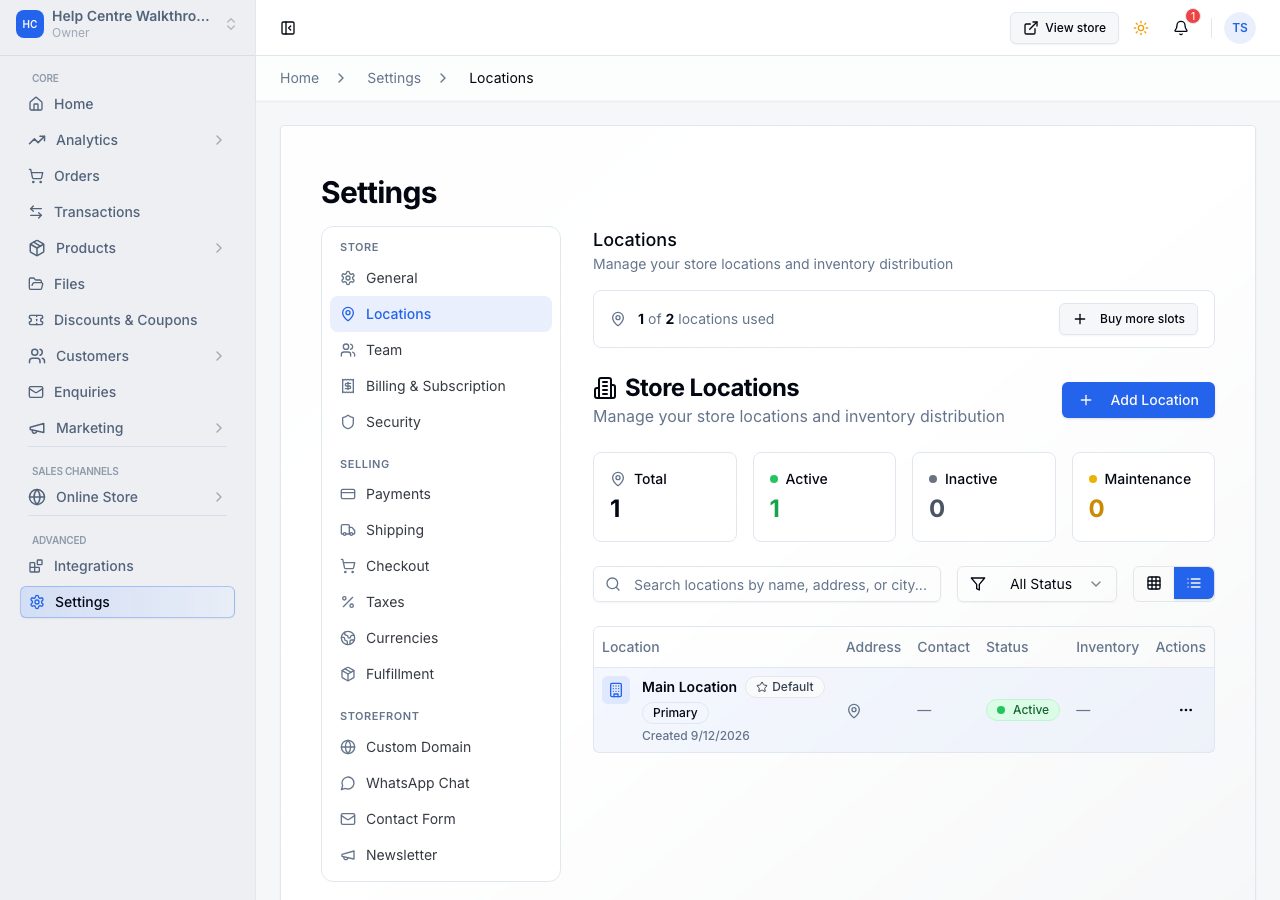
Each row shows the location's address and phone, what it does in your online store (Delivery and pickup, Delivery only, Pickup only or Not online) and its status. One is marked Default.
A location's page
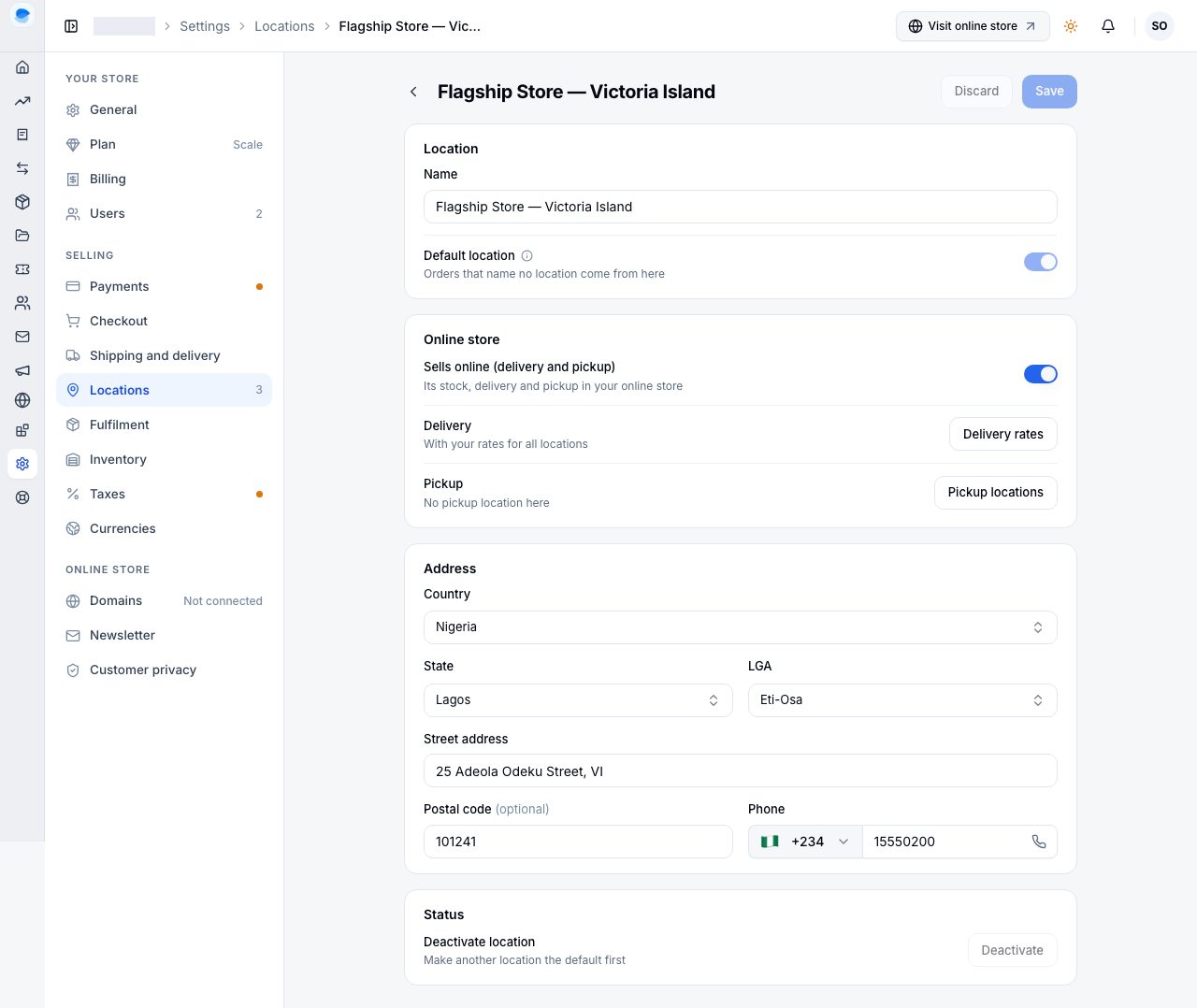
Open a location to change it. Each location is its own page:
- Location: its Name, as you will see it on the inventory page, on orders and on transfers, and Default location, the location orders that name no location come from. There is always exactly one default; to change it, turn it on for another location, or use Make default in the list.
- Online store: Sells online (delivery and pickup). On, the location's stock counts in your online store, it delivers where its rates apply and it offers its pickup locations; Delivery and Pickup say which, with links to your rates and pickup locations. Off, the online store ignores it entirely, and Admin asks first, saying how many of its rates stop being used.
- Address: Nigerian addresses are structured (state, then LGA, the local government area); other countries take a city. Then the street address, an optional postal code and a phone number.
- Status: Deactivate location. An inactive location stops selling and fulfilling, its stock stops counting as available, and it no longer counts towards your plan; its stock, orders and history are kept, and Activate location brings it back if your plan has room. The default location cannot be deactivated: make another location the default first. An inactive location nothing has ever used can be deleted.
Add a location
Choose Add location, fill in the same page, and choose Save. A new location sells online from the start.
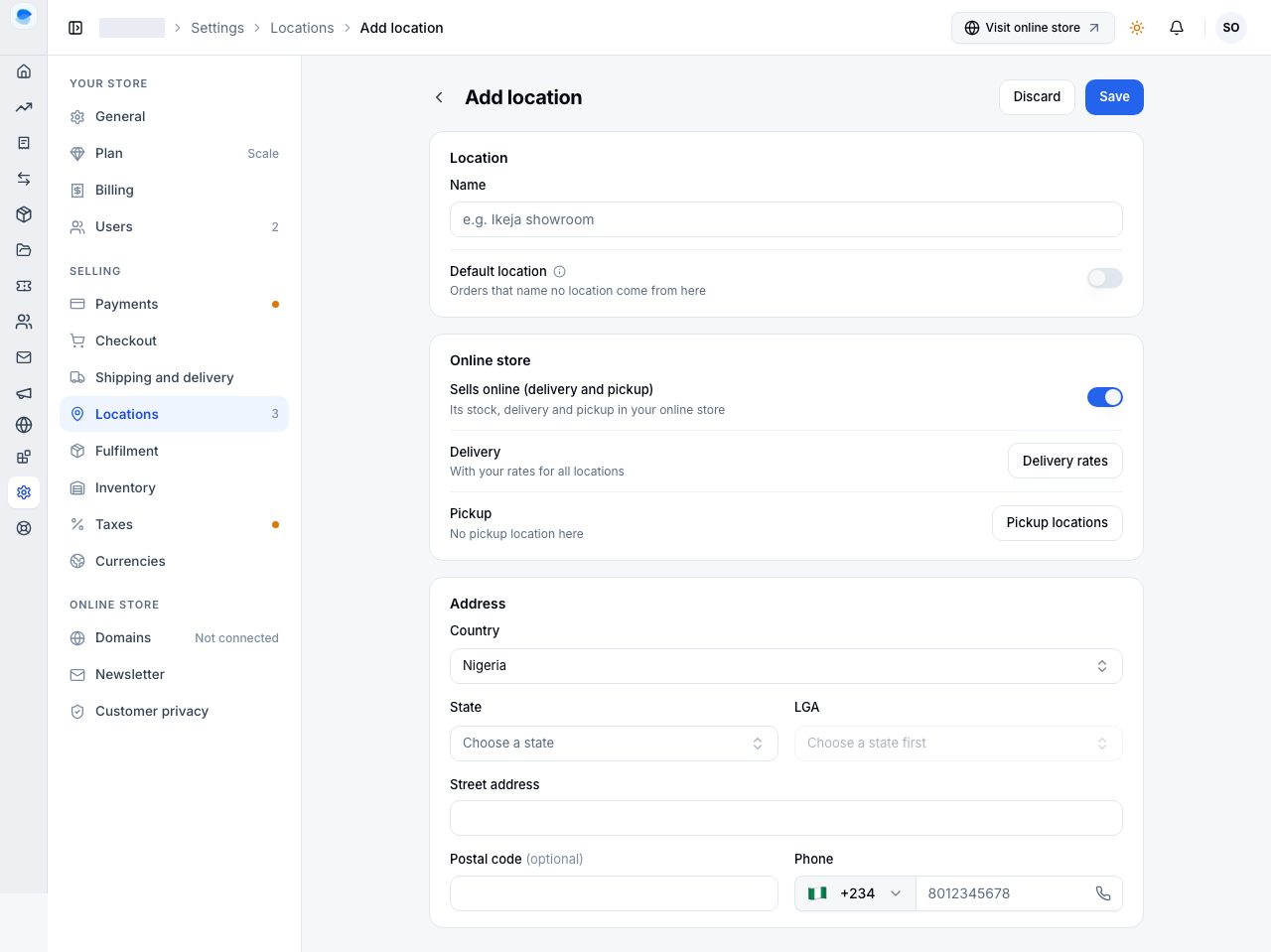
When every place in your plan is in use, Add location shows the owner how to get room: on Scale it opens Buy extra locations (see Add-ons); below Scale it offers Upgrade to Scale. Deactivating a location you no longer use frees its place too.
What a second location changes
- Inventory is per location. The inventory page opens on one location, and a product can be stocked at one and not another.
- Stock moves between them with a transfer, which keeps both counts honest. See Transfers between locations.
- An online order is fulfilled from the location that has all of it, or in parcels, or from the location the shopper chose. See Which location fulfils an order.
- A location can offer collection as well as, or instead of, delivery. See Pickup locations.
How many you can have
Each plan includes a number of active locations, and Scale can buy more. The numbers are on the pricing page.
If it does not work
- LGA says "Choose a state first": it is filled from the state, so choose the state first.
- Deactivate is greyed out: it is the default location. Make another location the default first.
- Activate location is refused: your plan's locations are all in use. Deactivate another, buy extra locations on Scale, or upgrade.
Email support@shoponent.com with your store name if anything here does not match what you see. We read and answer every message.