Available on every plan · Updated 22 October 2026
Also asked as: “tell me when stock is low” · “low stock threshold” · “out of stock notification” · “too many stock alerts”
Settings → Inventory starts with Stock alerts: get notified when a product is running low or has sold out, so you can restock before you lose sales.
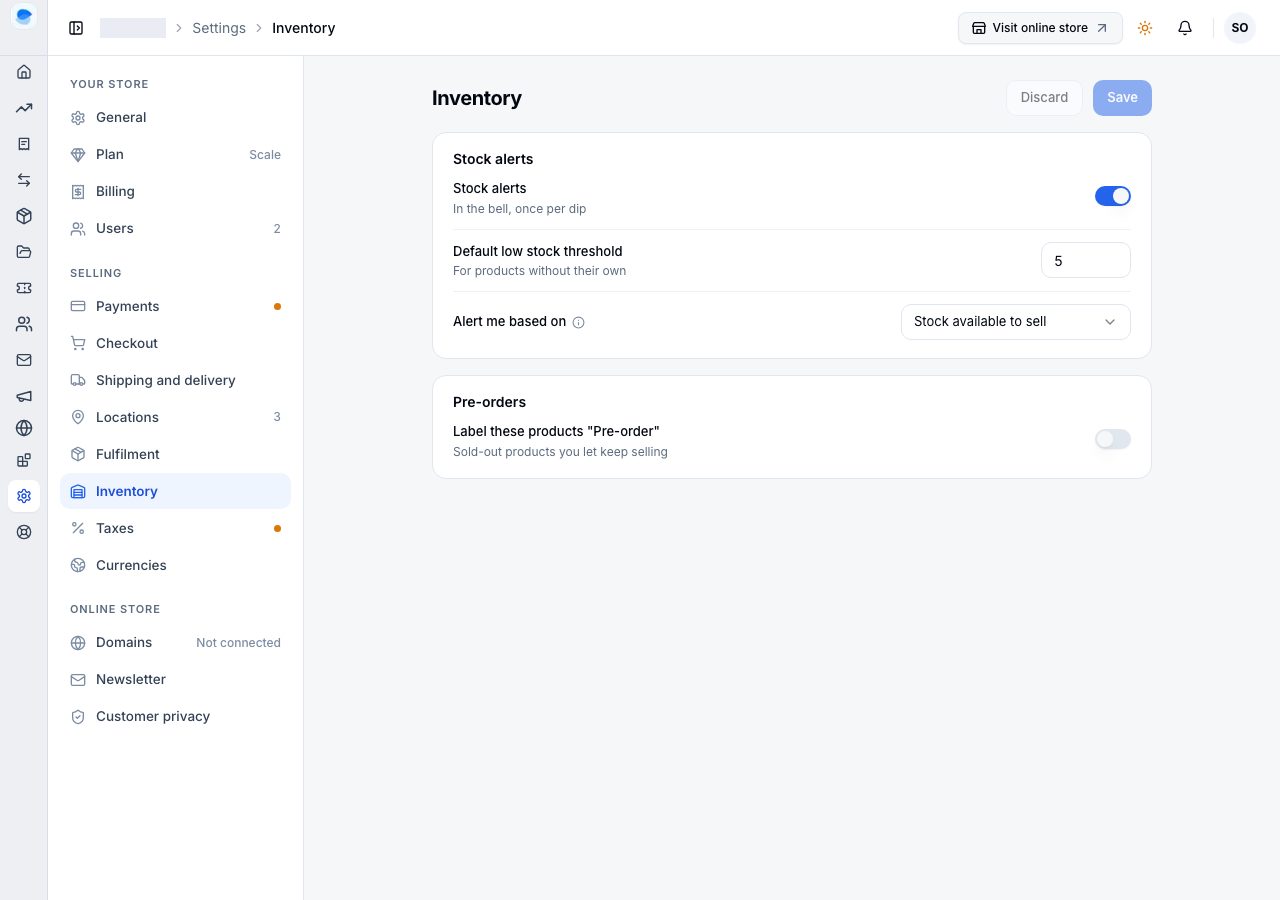
The three settings
- Stock alerts turns them on. They arrive in the bell, once per dip: you are told the first time a product drops to or below its threshold, and again if it sells out. One alert per dip, not one a day, so a slow seller sitting under the line does not fill your notifications.
- Default low stock threshold is the number that counts as low for products that do not set their own. Setting it to zero means products without their own threshold never raise an alert.
- Alert me based on decides which number is watched. Stock available to sell is the recommended one: it leaves out what is already committed to unfulfilled orders, so you are warned while you can still sell. Watching what is on hand instead warns you later.
A threshold on one product
A product can carry its own threshold, which overrides the store's. Use it for the things that take three weeks to restock and the things you can fetch the same afternoon, since those two should not share a number.
Where the alert arrives
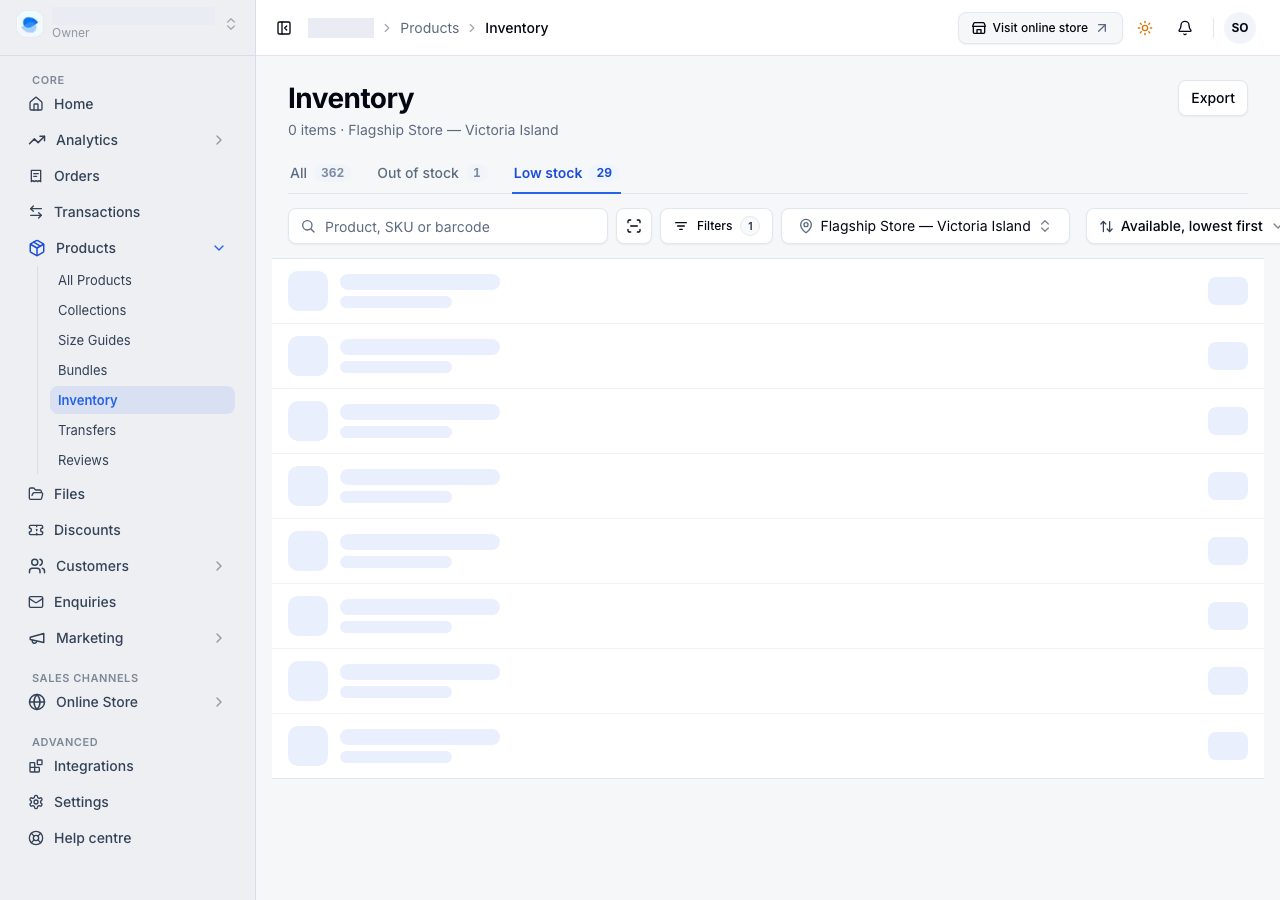
In your notifications, the bell at the top of Admin, and by email if you have that on. The inventory page is the other half of the same job: its Low stock view lists the same products, least available first, which is the thirty-second version of this check.
If it does not work
- No alerts at all: the switch is off, or the default threshold is zero and no product sets its own.
- Too many alerts: lower the store threshold, or give the noisy products their own.
- A product that is out of stock raised nothing: its stock is not tracked, so there is no number to watch.
- The alert came late: alerts are on what is available to sell by default, and committed stock is already out of that figure. Switch to on hand if you would rather be told sooner.
Email support@shoponent.com with your store name if anything here does not match what you see. We read and answer every message.