Available on every plan · Updated 29 October 2026
Also asked as: “minimum order quantity” · “limit how many someone can buy” · “sell in packs” · “stop bulk buying”
Some things are sold in pairs. Some things you only have a few of and want to spread around. Both are the same control: Order quantity limits, its own section near the foot of a product's form, closed until you open it; its header says what is set.
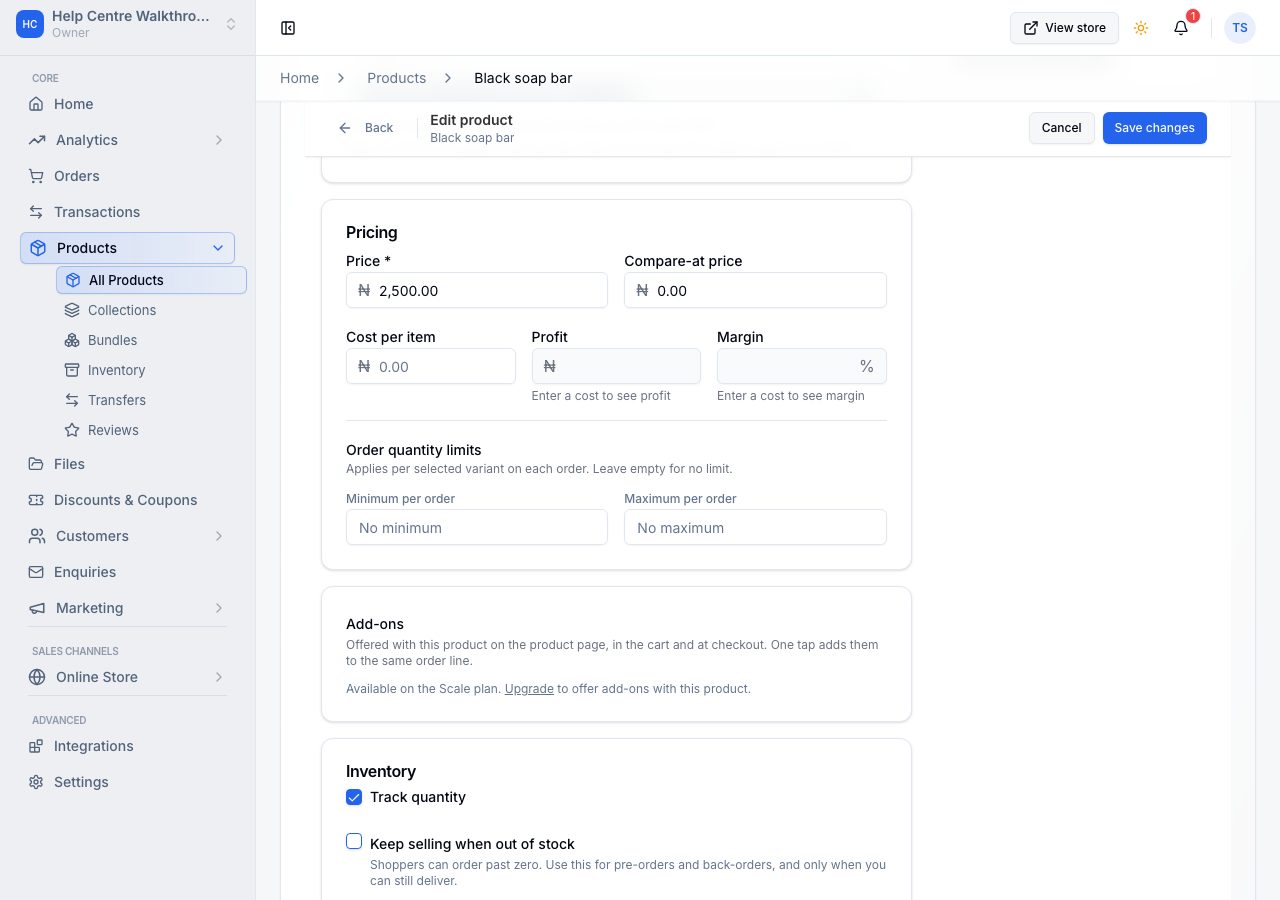
- Minimum order quantity is the fewest a shopper may buy. Leave it empty for no minimum.
- Maximum order quantity is the most. Leave it empty for no maximum.
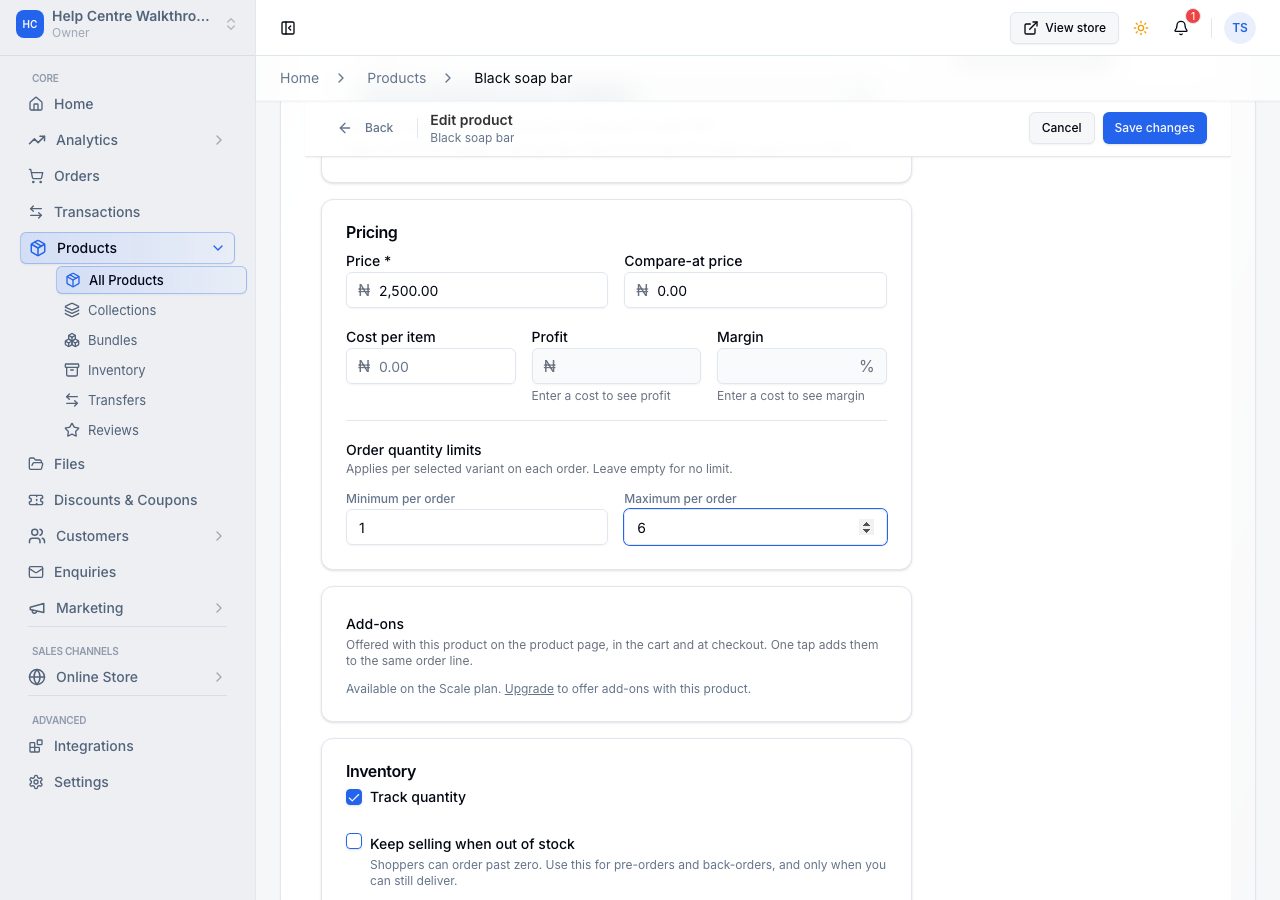
The limits count all of the product's variants together on an order (behind the small i beside Maximum). A maximum of six on a t-shirt is six shirts, in any mix of sizes; a minimum of five notebooks can be three of one colour and two of another. And they are per order, so nothing stops someone ordering again tomorrow.
What a shopper sees
On a product with one variant, the quantity control starts at your minimum and will not go past your maximum. In the Universal theme it also counts what the shopper's cart already holds: with four in the cart and a maximum of six, it stops at two, and once the cart holds the most they can have, Add to cart reads In your cart.
On a product with variants, Add to cart opens a list of every variant with its own quantity control, and the shopper chooses how many of each. Each control stops at the stock and at your maximum, and the button stays off until the total is between your limits, with a line saying why ("Add 2 more to reach the minimum of 5"). If the product is already in their cart, the list starts at what the cart holds and the button reads Update cart. Buy it now opens the same list and checks those out on their own.
In the cart, the quantity controls stop at your minimum and maximum across the product's variants, and removing one variant that would leave the product under your minimum asks first and removes the whole product.
If it does not work
- The limit is not applied: save the product. The fields are part of the form, so they take effect when the form is saved. Below the Professional plan the fields are greyed and a line beside them says so; a limit already set keeps working.
- A shopper bought more than your maximum by ordering twice: the limits are per order. Each order is held to them; two orders are two.
- The minimum blocks everyone: check it against your stock. A minimum of ten on a product with four in stock cannot be bought at all.
Email support@shoponent.com with your store name if anything here does not match what you see. We read and answer every message.