Available on Professional and Scale · Updated 30 October 2026
Also asked as: “customer reviews” · “hide a review” · “reply to a review” · “fake reviews” · “star rating on my products”
Products → Reviews is where customer reviews arrive and where you answer them.
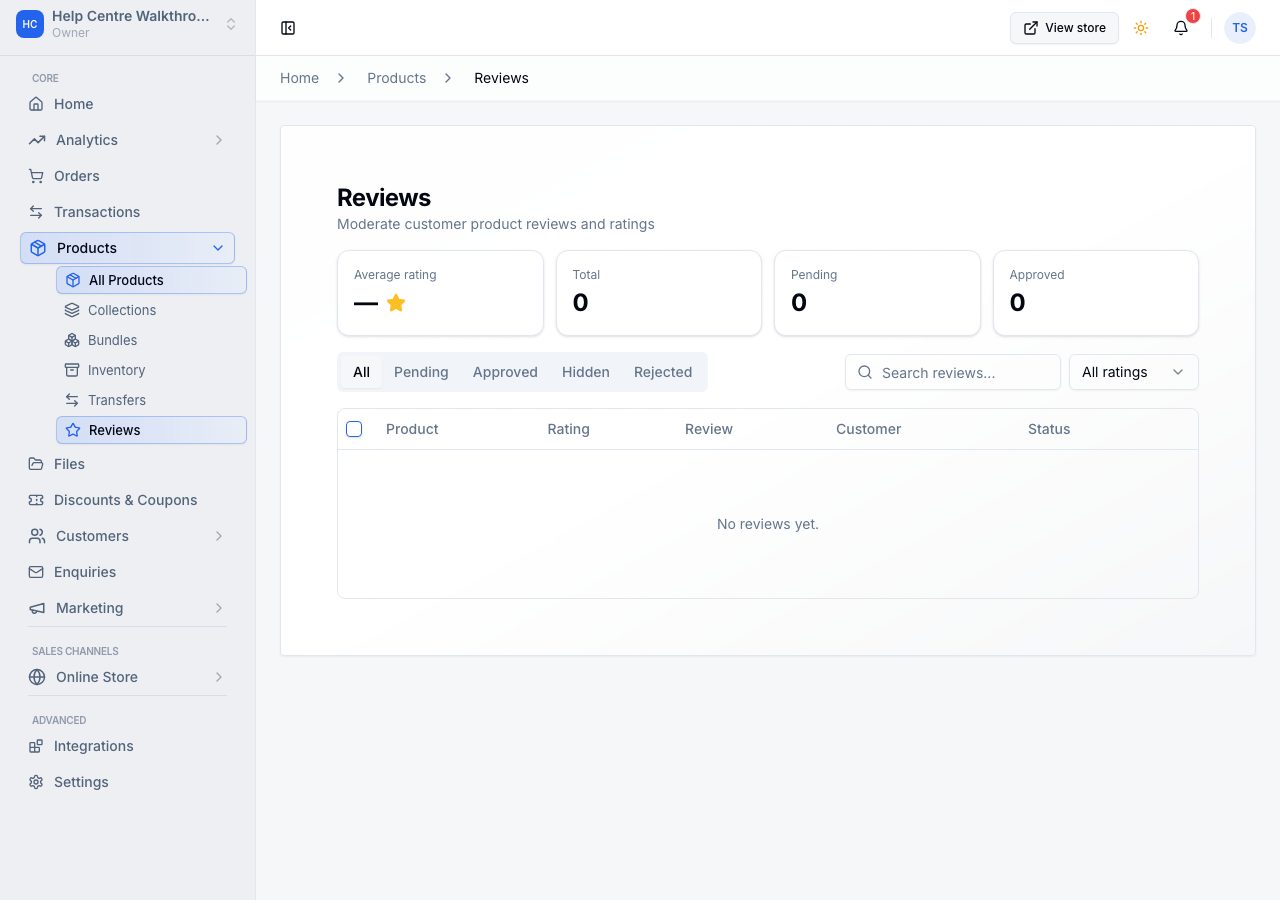
Each review is on its row in full, with the product, the stars, who wrote it (and Verified purchase) and when, and its actions beside it: Reply (or Edit reply once you have), Approve and Hide. An approved review carries no mark; others say Pending, Hidden or Rejected. The line under the title is your average rating from approved reviews. The tabs along the top (All, Pending, Approved, Hidden, Rejected), the search and the rating filter appear once there is a review to find. Tick reviews to approve or hide several at once.
Only buyers can review
A review can only be left by someone who bought that product from your store. There is no form for a passer-by, which is the simplest protection against invented reviews and the reason a rating on your online store means something.
Approving
One setting decides what happens to a new review: it is approved as it arrives, or it is Pending until you approve it. Review settings, at the top of the page, holds the Auto-approve reviews switch. If your access does not include store settings, the switch is not shown and the page says so rather than guessing which way it is set. Auto-approving keeps your product pages current with no work; holding reviews lets you read everything first. Either way you can hide an approved review afterwards, and hiding is not deleting.
A customer may change their review after writing it. On a store that holds reviews for approval, an edited review goes back to Pending until you have read the new words; on a store that auto-approves it stays approved. If you had replied, your reply stays on the review's page for you, marked as answering the earlier version, and shoppers do not see it until you reply again.
Each customer writes one review per product, whichever variant they bought, and it may carry up to five photos.
Replying
Every review takes a reply from you, shown under it with your store's name. A calm reply under a complaint is read by everyone who comes after, which is why it is worth more than the review itself.
What shows on your online store
Approved reviews appear on the product page, and the average rating appears on the product and in listings. Only approved reviews count towards it, so a pending or hidden review changes nothing a shopper sees.
If it does not work
- Reviews is not in your sidebar: it needs Professional. See plans and what is in each.
- A customer says they cannot leave a review: they must have bought that product with the account they are signed in with.
- No reviews yet: only verified purchasers can review a product, and the page says how many of your customers have a completed order.
- A review you hid is still in the list: hiding takes it off your online store, not out of your dashboard. The Hidden tab is where it lives, and Approve puts it back.
Email support@shoponent.com with your store name if anything here does not match what you see. We read and answer every message.