Available on every plan · Updated 12 September 2026
Also asked as: “let customers collect” · “store pickup not showing” · “click and collect” · “pickup instructions” · “link pickup to a branch”
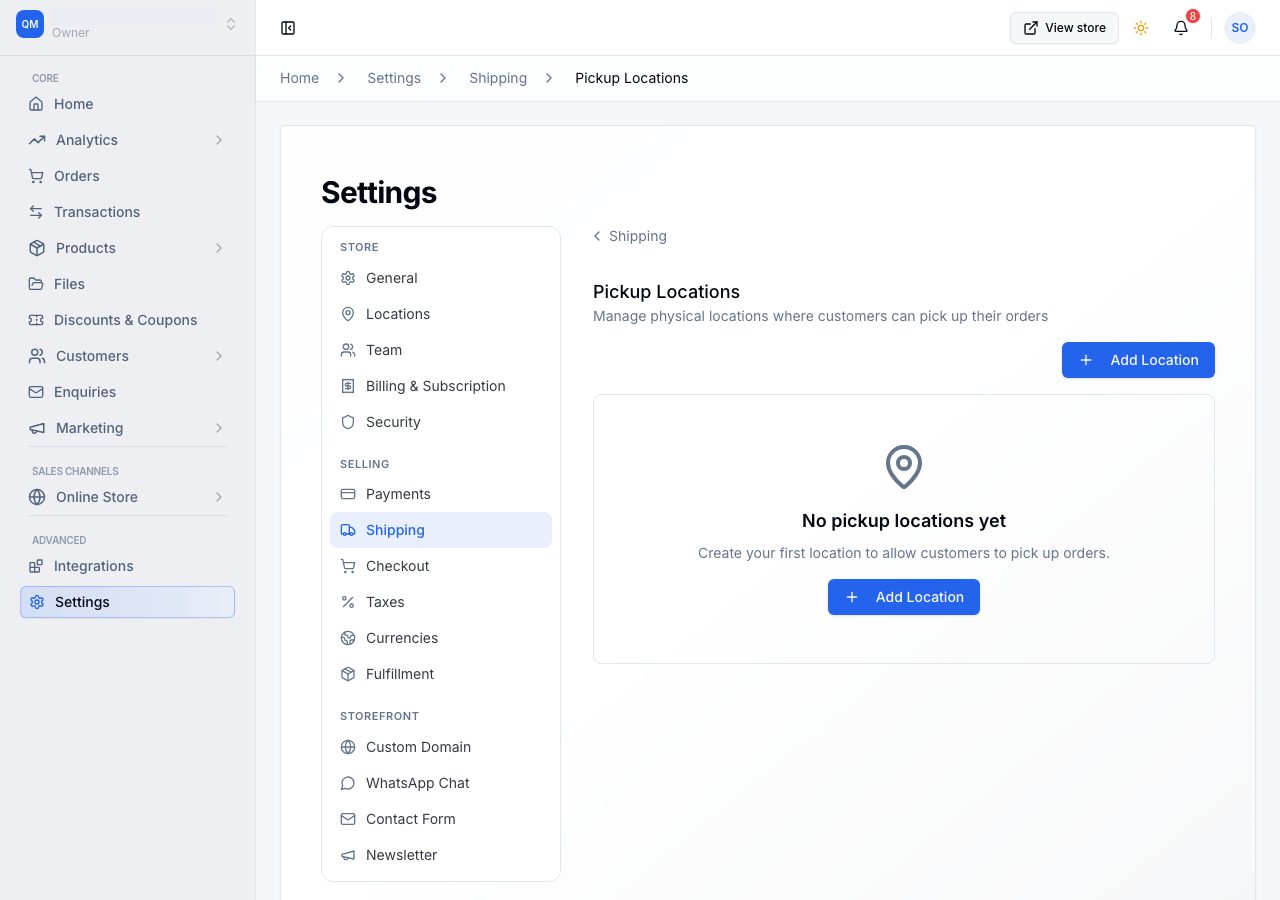
A pickup location is a place a customer can come and collect an order. Listing one puts Store Pickup on your checkout; listing none leaves it off. Pickup is always free to the customer, so there is no rate to set.
An active pickup location also ticks Configure shipping on your Home checklist, so a store that only offers collection completes that row without adding a delivery rate.
It is on every plan. What your plan limits is how many stock locations you can run, which is a different thing and only matters for the last step below.
Add one
Go to Settings → Shipping → Pickup Locations.

Choose Add Location.

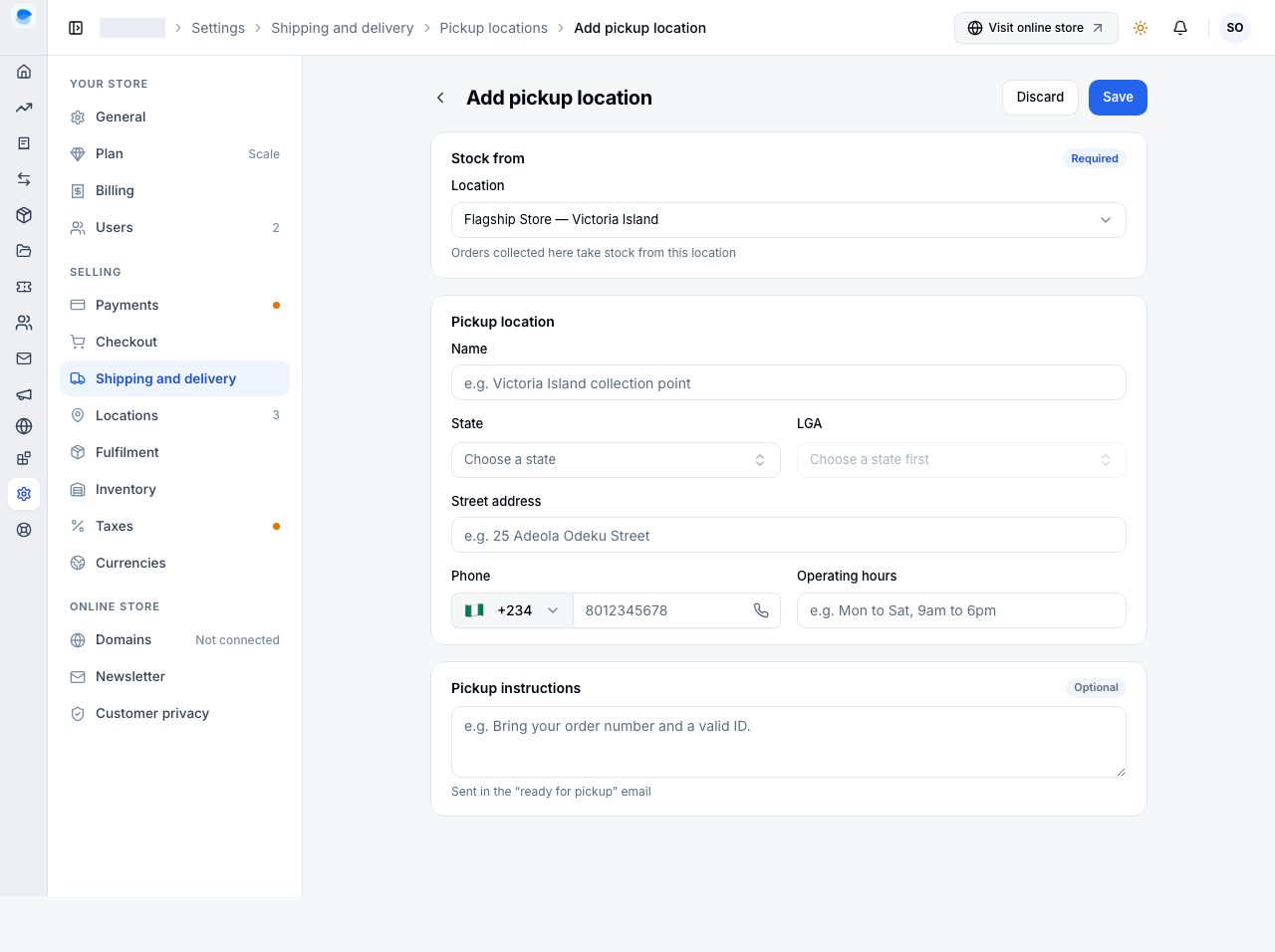
- Location Name is what the customer picks from at checkout, so name it the way they would say it: "Main Store, Victoria Island" rather than "Branch 2".
- Street Address, then Country, State and Local Government Area. Nigerian addresses are chosen from the lists rather than typed, which is what lets the rest of the platform reason about where the shop is.
- Phone Number is required. It is the number a customer rings when they are outside and cannot find you.
- Email is optional.

- Operating Hours is free text, shown to the customer. Write it the way you would say it: "Mon to Sat: 9:00 AM to 6:00 PM".
- Pickup Instructions is the place for "bring a valid ID" or "use the side entrance". It is shown once the customer has chosen this location.
- Active Status decides whether the location is offered at all.
Link it to the stock it draws from
Linked Inventory Location is the one field that does something behind the scenes. It joins this pickup point to one of your stock locations, so an order collected here takes its stock off that shop's shelves and is assigned to that shop to prepare.
Leave it Not linked and the order is still taken, but the stock comes off wherever your fulfilment settings decide, which may be a different shop entirely from the one the customer is walking into. If you track stock in more than one place, link it. There is more on that in Which location fulfils an order.
What the customer sees
Once one active pickup location exists, checkout offers Store Pickup beside Door Delivery, with your locations listed and their instructions. There is no fee.
Choosing collection also changes what the deferred cash method is called: Pay on Delivery becomes Pay when you pick up, because nothing is being delivered.
If it does not work
- Store Pickup does not appear at checkout: you have no active pickup location. Check the switch on the location.
- The location is listed but nobody can choose it: it is inactive.
- Stock came off the wrong shop: the pickup point is not linked to an inventory location, so your fulfilment strategy chose. Link it.
- The customer could not find you: instructions and hours are both shown at checkout and on the order. Fill them in.
- You want collection to cost something: it cannot. Pickup is free to the customer by design.
Email support@shoponent.com with your store name and the location if anything here does not match what you see. We read and answer every message.