Available on every plan · Updated 30 October 2026
Also asked as: “online store is offline” · “storefront is offline” · “customers see this shop is not available” · “store not loading” · “bring my store back online”
Admin and your online store (the storefront your shoppers visit) are gated separately. Admin is yours as long as you can sign in; the online store serves shoppers only while the subscription allows it.
The ways it goes offline
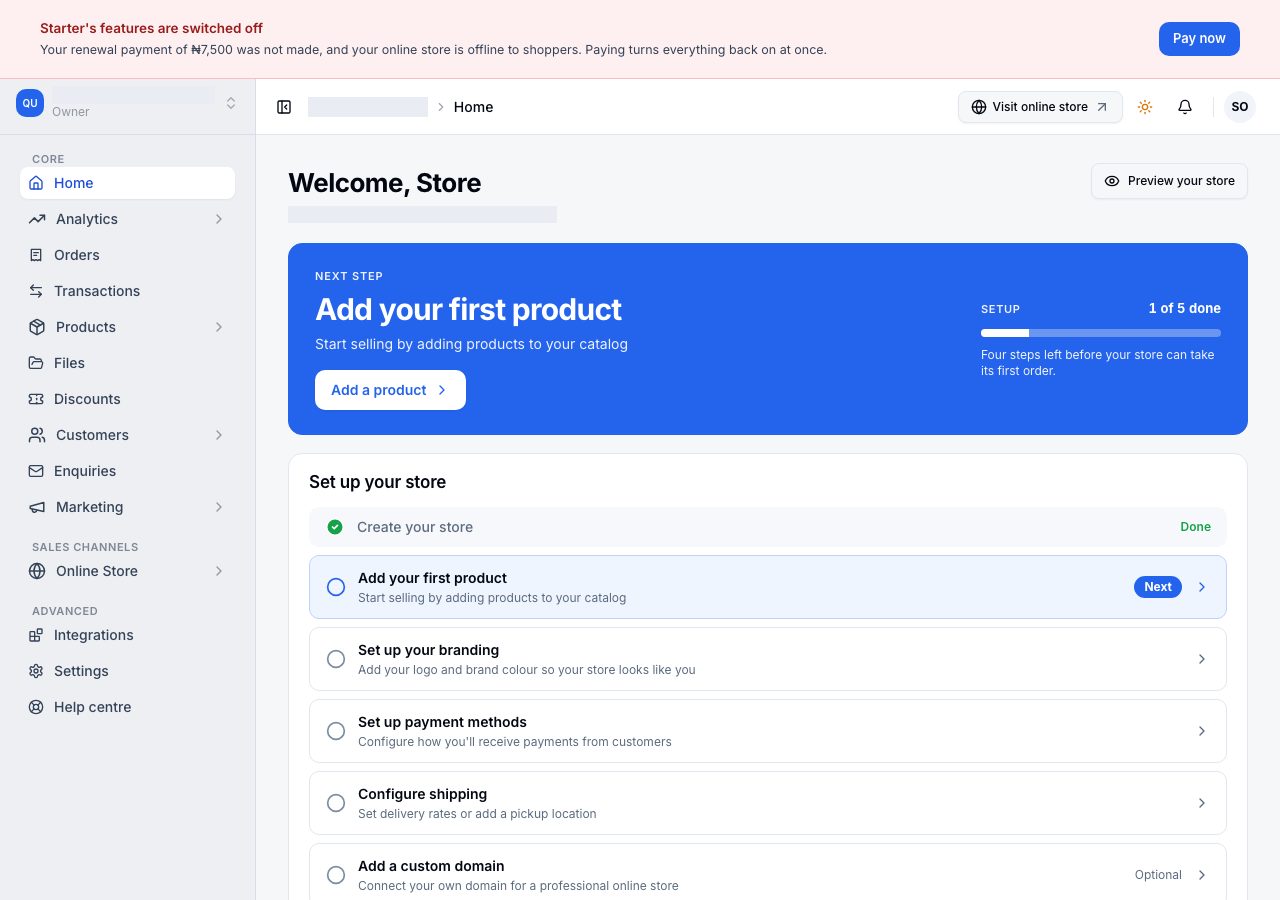
- An unpaid renewal stayed unpaid. When a renewal is not paid, the store first has a grace period in which everything keeps working, then the plan's features switch off while the online store stays open a while longer, and then the online store goes offline. The dates are in the banner and in the reminder emails; see When a payment fails.
- Nothing was ever paid. A store waiting for its first payment has no paid time to stand on, so its online store is offline until that payment is made.
- The subscription was cancelled. The online store stays open until the end of the billing cycle that was paid for, then pauses. See Cancel your subscription.
- The store was deactivated. Deactivating a store in Settings → General closes its online store the same day.
When it is because of the plan, the banner across the top of Admin says so and carries Pay now.
What shoppers see
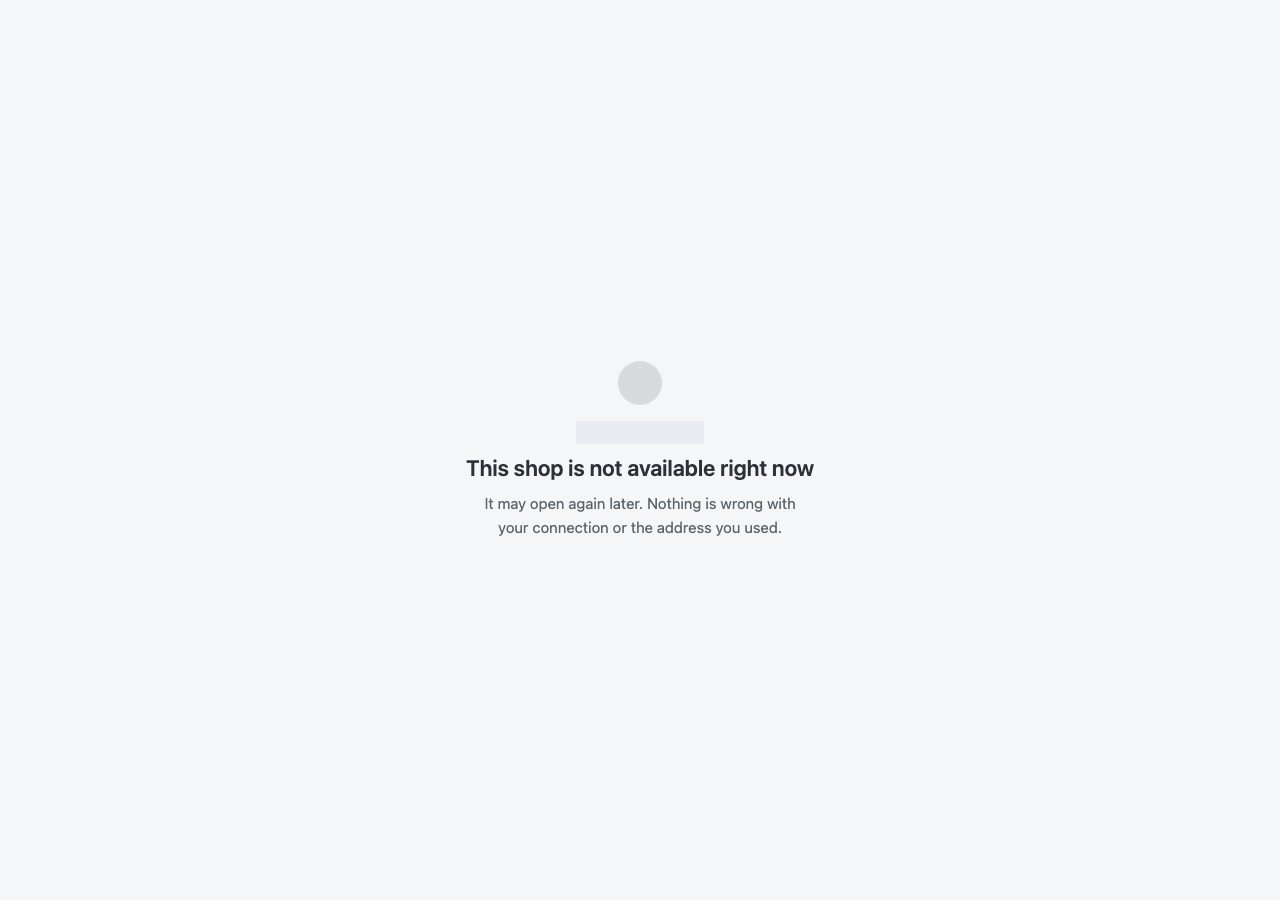
Shoppers who visit the store's address see the store's name with This shop is not available right now, and a line saying it may open again later and that nothing is wrong with their connection or the address they used.
What still works
Everything in Admin that does not need a paid plan: the orders you already have, products, customers and settings. Nothing is deleted while the online store is offline.
Bringing it back
- An unpaid renewal: Pay now, in the banner or on Settings → Billing, opens the payment window. The online store serves again as soon as the payment completes. See Renew or reactivate your subscription.
- A cancelled subscription: opening the store in Admin takes you to Reopen your store, where you choose a plan and pay.
If it does not work
- You paid and the online store is still offline: wait a moment and reload it. If it stays offline, email us with your store name and the payment reference.
- The store is on a complimentary subscription and offline: it was cancelled, which is the one thing that can take a complimentary store offline. Email us; our team restores it.
Email support@shoponent.com with your store name if anything here does not match what you see. We read and answer every message.