Available on every plan · Updated 30 October 2026
Also asked as: “cancel my subscription” · “stop paying” · “undo cancellation” · “keep my subscription” · “close my store”
Settings → Billing ends with a Cancel subscription card. It says what cancelling does in your case before you press anything.
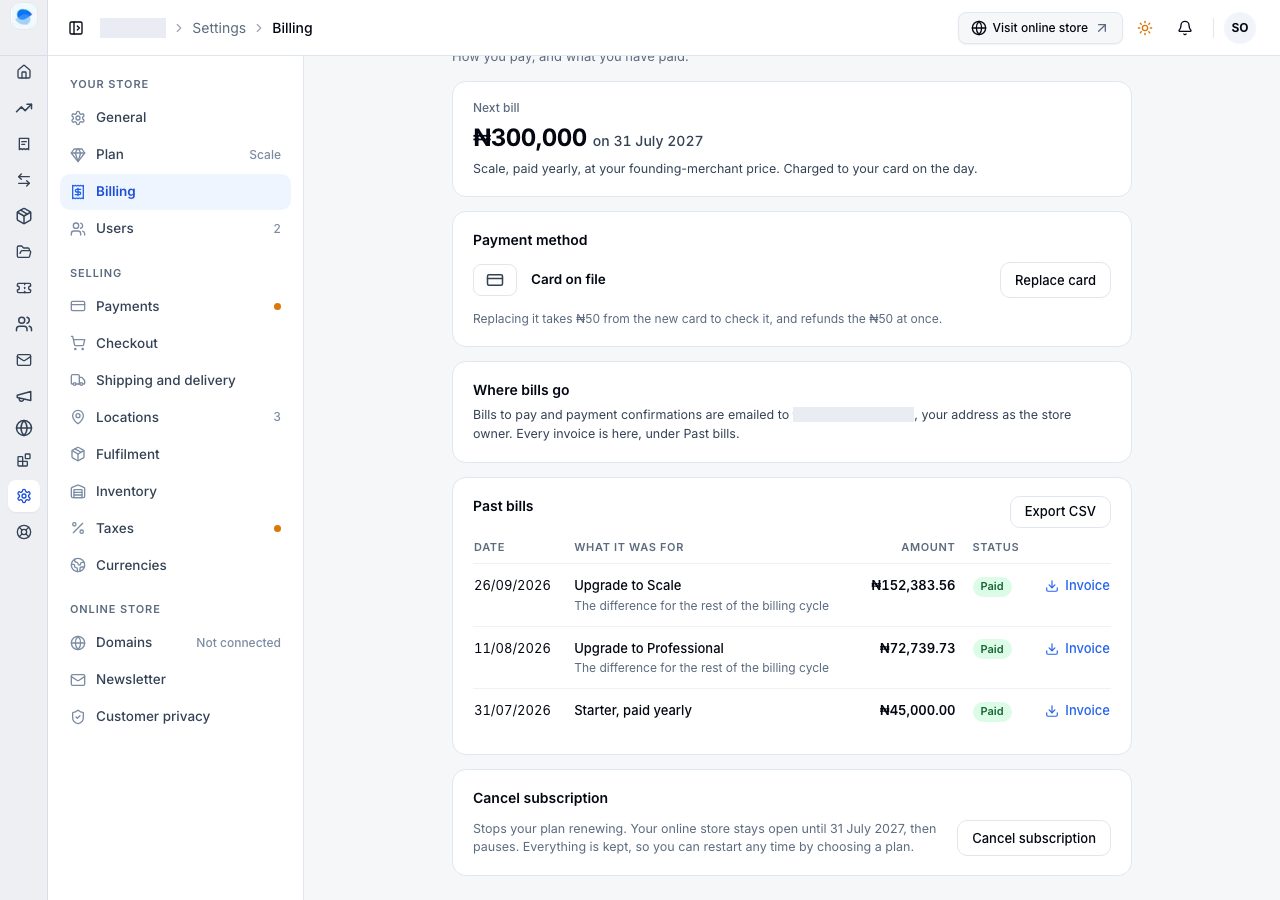
Cancelling stops paying for now. It is not closing the store for good: your products, orders, customers and settings are all kept, and you restart any time by choosing a plan. To close a store for good, see Deactivate store in Settings → General.
Confirm
Cancel subscription asks first. With a paid billing cycle running, it says your plan stops renewing, your online store stays open until the cycle ends and then pauses, and nothing is refunded. Cancel subscription confirms; Keep my subscription closes it with nothing changed.
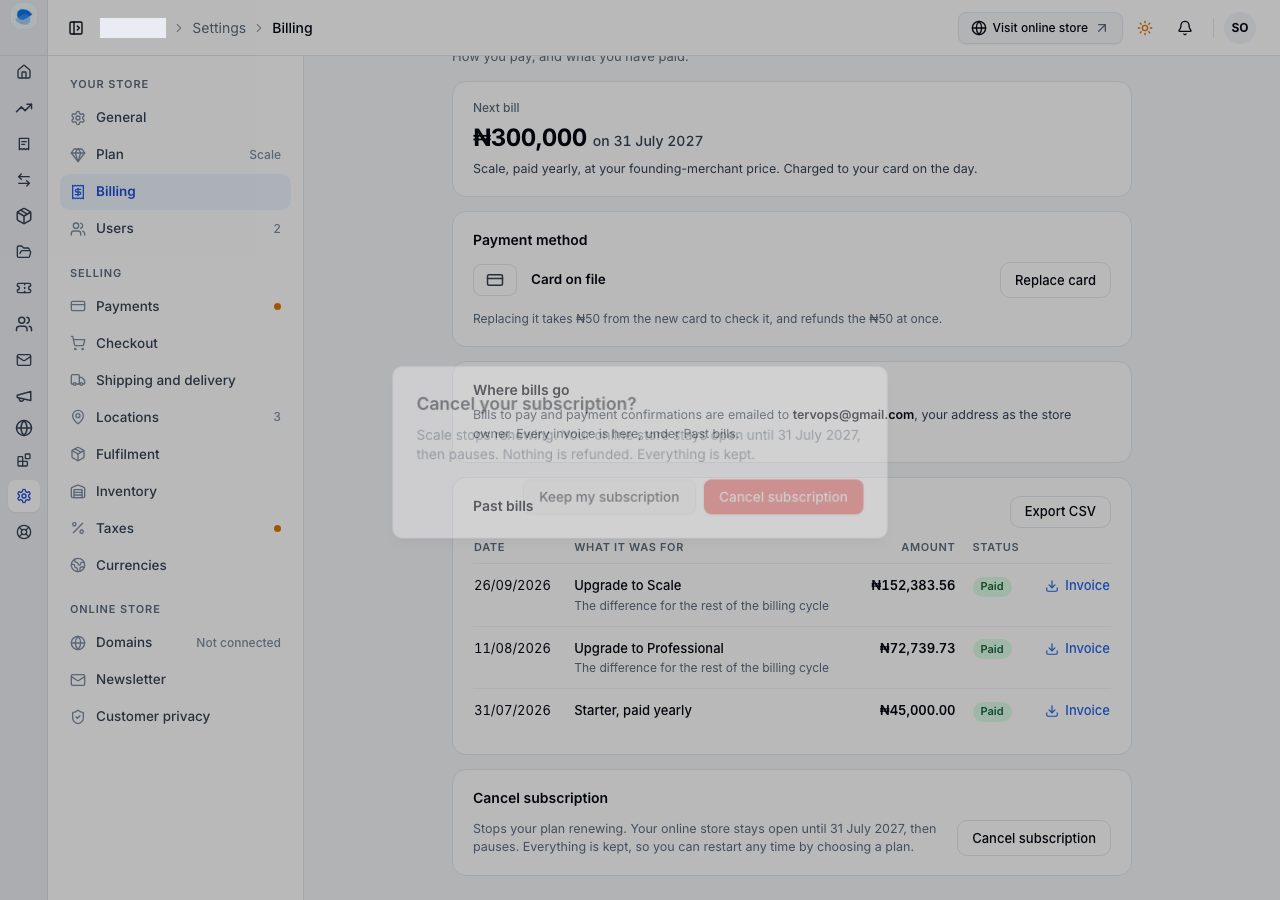
Nothing is asked of you beyond that: there is no form and no reason to give.
Until the billing cycle ends
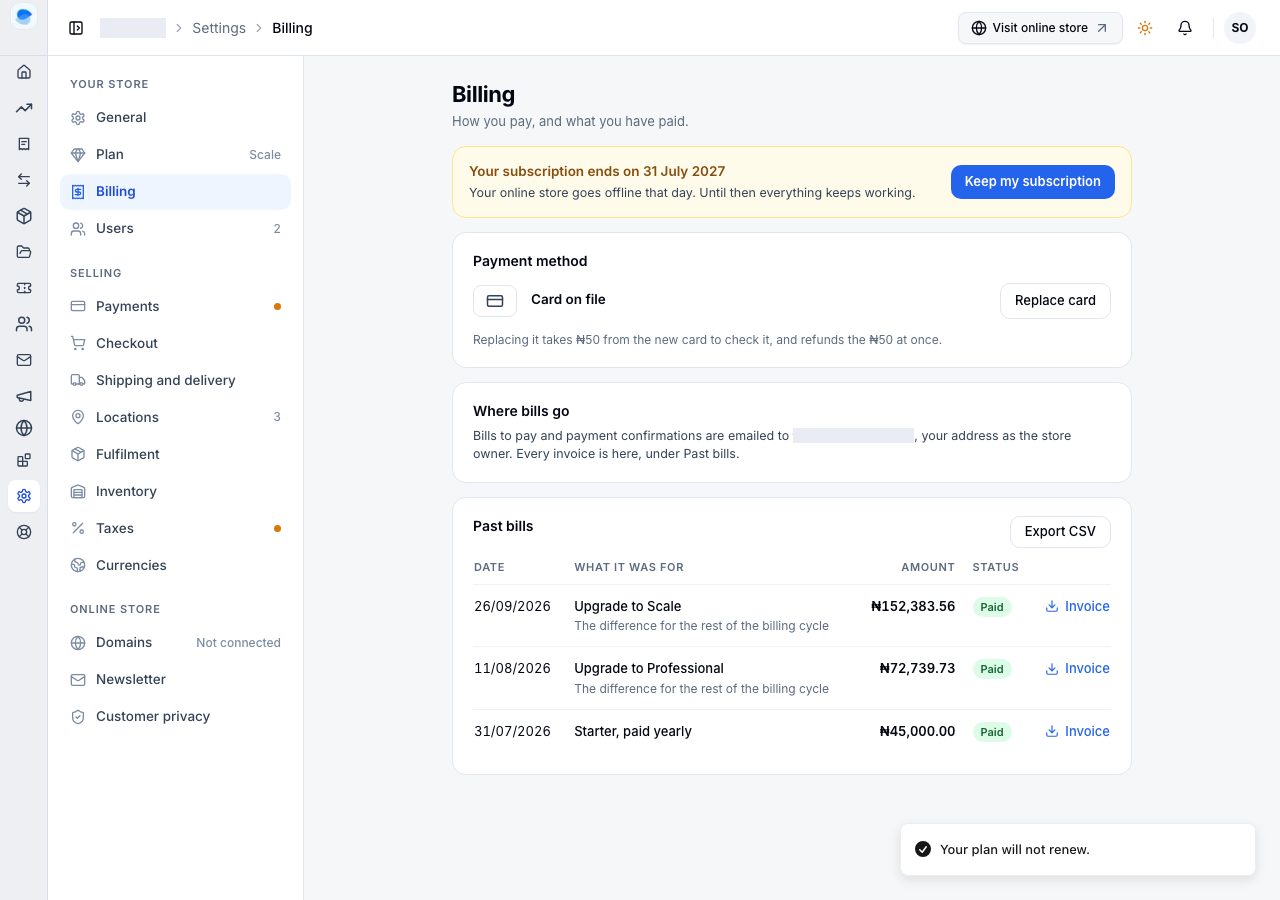
Your plan will not renew, and Billing says so at the top: Your subscription ends on the date, your online store goes offline that day, and until then everything keeps working.
The same banner runs across Admin, so nobody on your team is surprised.
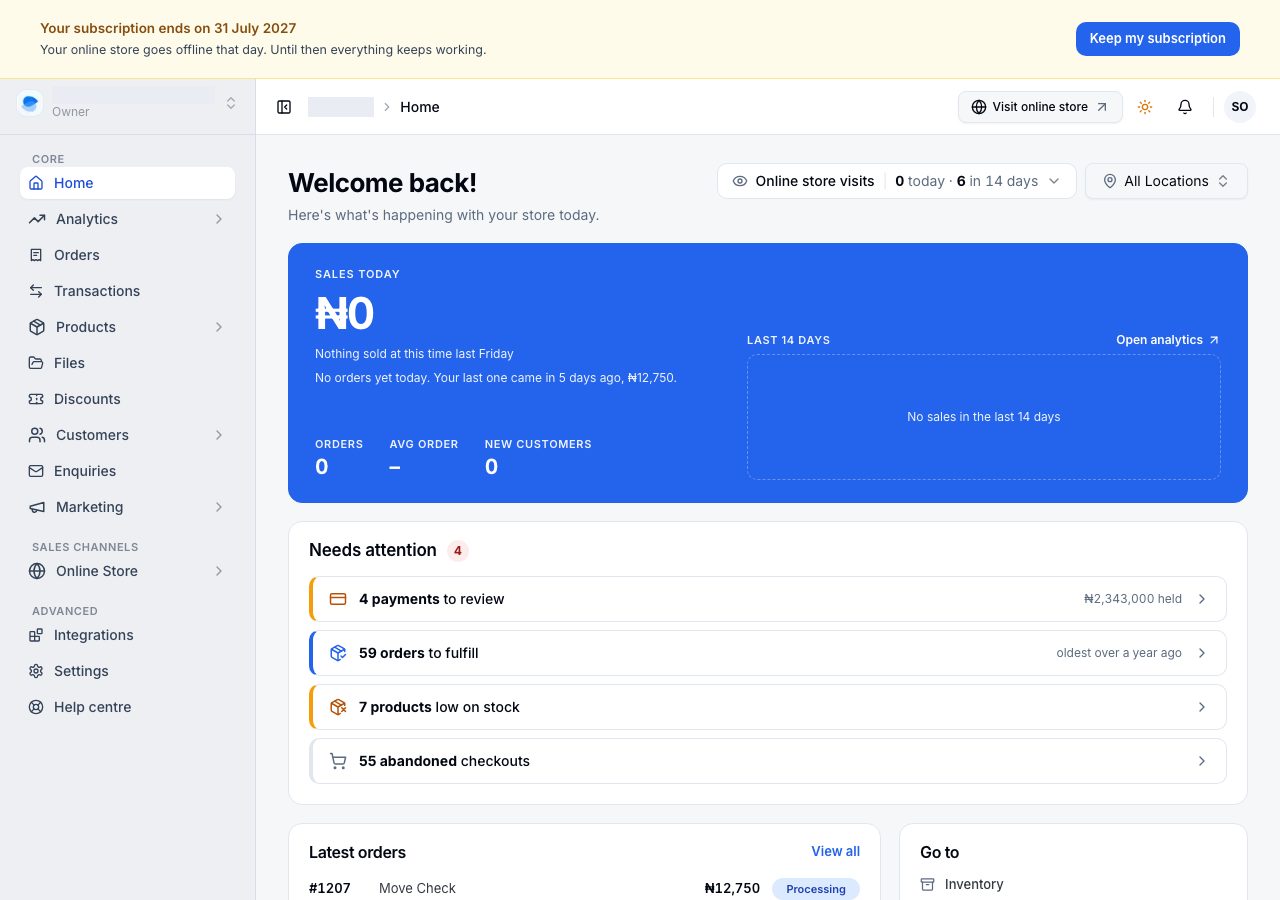
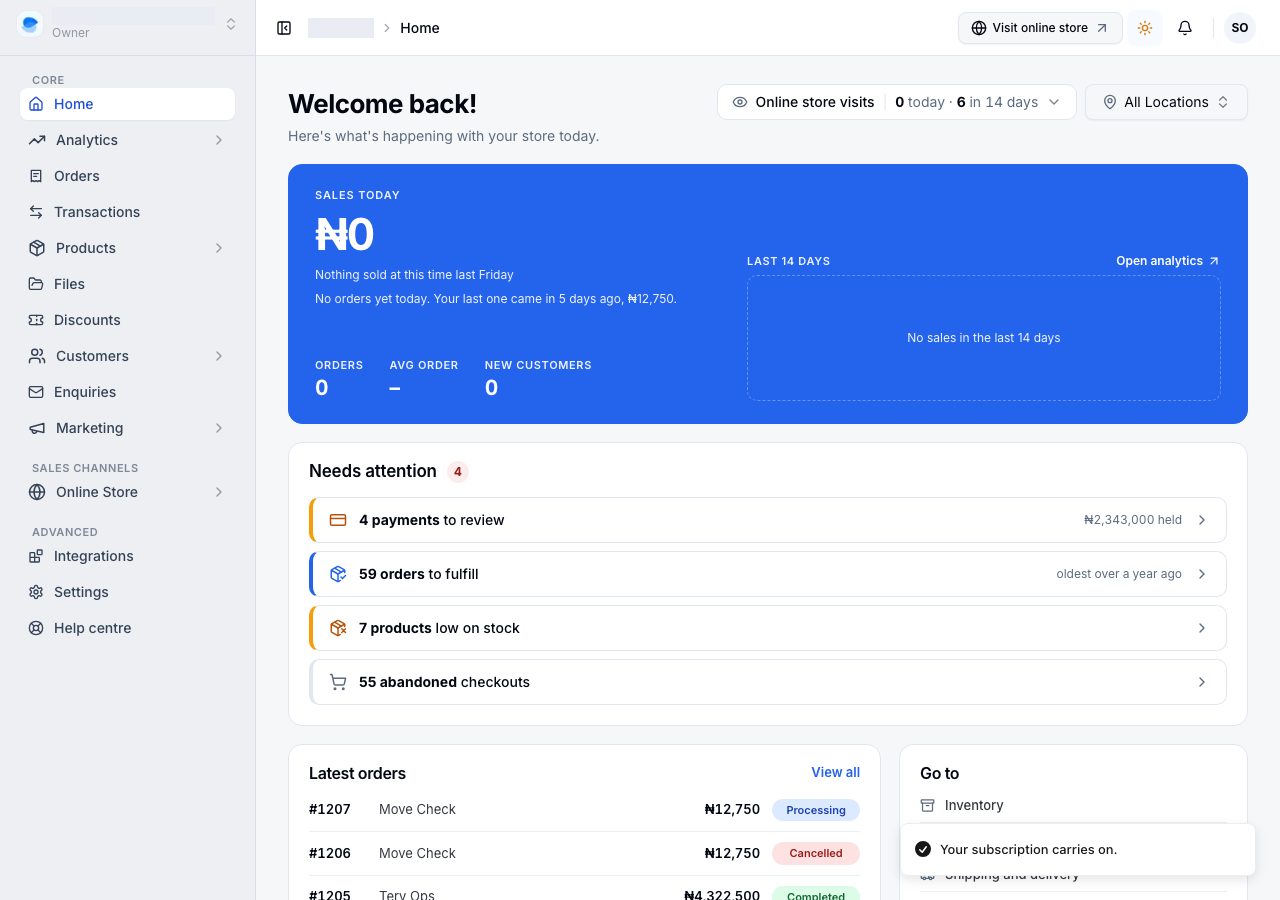
Changed your mind? Keep my subscription in the banner undoes the cancellation at any time before that date, and your plan renews as before.
With no paid billing cycle running
On a trial, or once a billing cycle has ended without being paid, there is nothing left to wait for: the card says your online store pauses straight away, and confirming ends the plan now. Everything is still kept.
Coming back
A cancelled store reopens by choosing a plan and paying; Admin opens Reopen your store for it. See Renew or reactivate your subscription. A store on a complimentary subscription that was cancelled is restored by our team; email us.
If it does not work
- There is no Cancel subscription card: a cancellation is already waiting. The banner at the top of Billing shows its date and Keep my subscription.
- Change plan says to keep your subscription first: a plan change and a cancellation cannot both be waiting. Keep your subscription, then change plan.
- You cancelled by mistake: choose Keep my subscription before the date in the banner. If the store has already paused, choose a plan to reopen it.
Email support@shoponent.com with your store name if anything here does not match what you see. We read and answer every message.