Available on every plan · Updated 22 October 2026
Also asked as: “switch store” · “open another store” · “a store is missing” · “sign in to another account” · “use two accounts”
Two things are easy to mix up. Your account is you: an email, a password, a name. A store is a shop you own or help run. One account can have several stores, and a store can have several people. You switch stores inside Admin, and you switch accounts from the account menu.
Switch stores
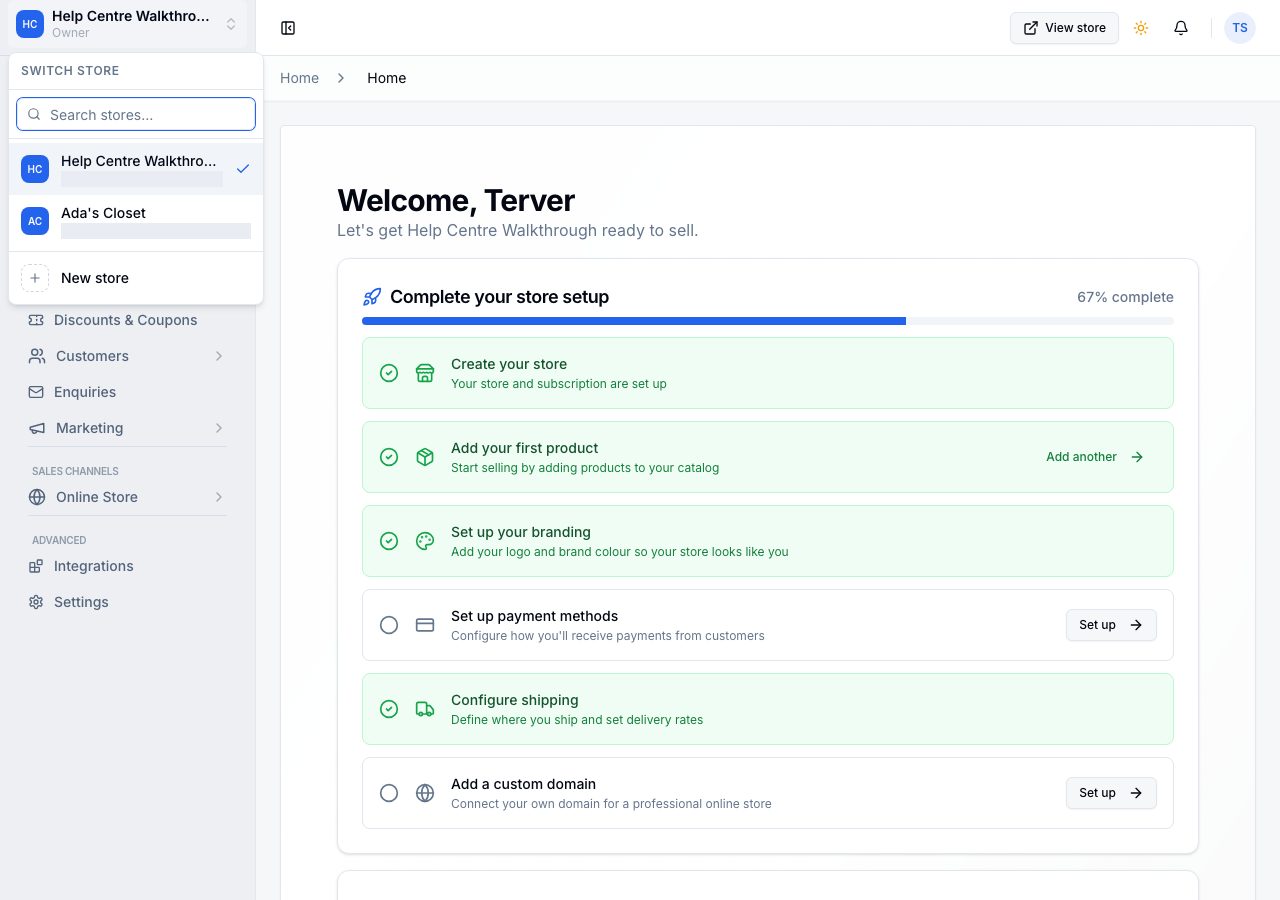
The store you are working in is named at the top of the sidebar, with your role under it. Choose it and Switch store lists every store your account can open, with a search; choose another to move to it. Everything in Admin, from Home to Settings, then shows that store. New store at the foot of the list creates another; see Create your store and choose a plan. Each store has its own plan and its own bills.
Your stores
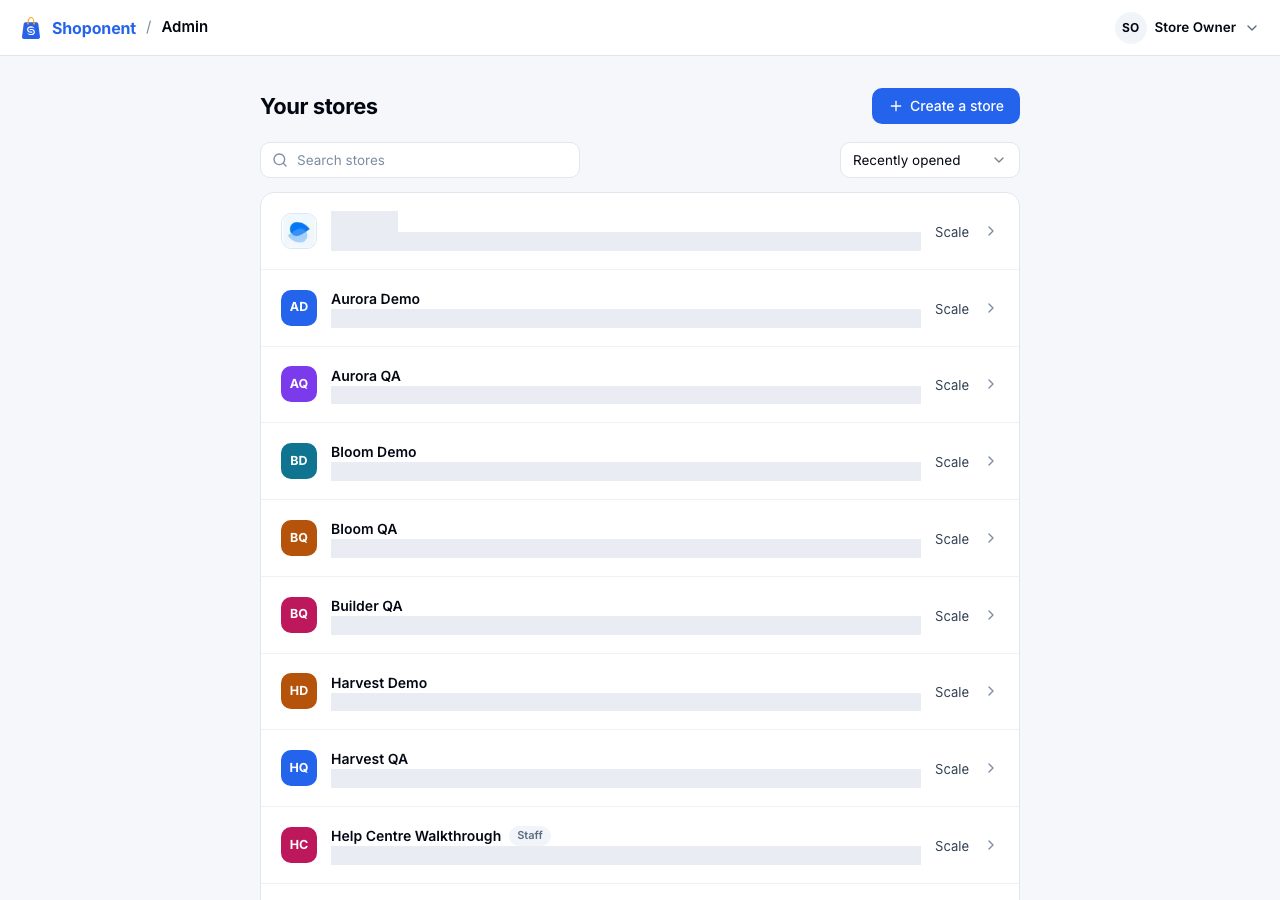
Your stores lists every store the account owns or works in, the most recently opened first, with a search and Create a store. Each row says what the store needs: its plan when all is well, or Choose a plan, Payment overdue or Cancelled, and a store you work in rather than own is marked with your role. Choose a store to open it: Home, or the page that store needs first (choosing a plan, or reopening it). Invitations waiting for your account sit above the list, with Accept and Decline.
The account menu
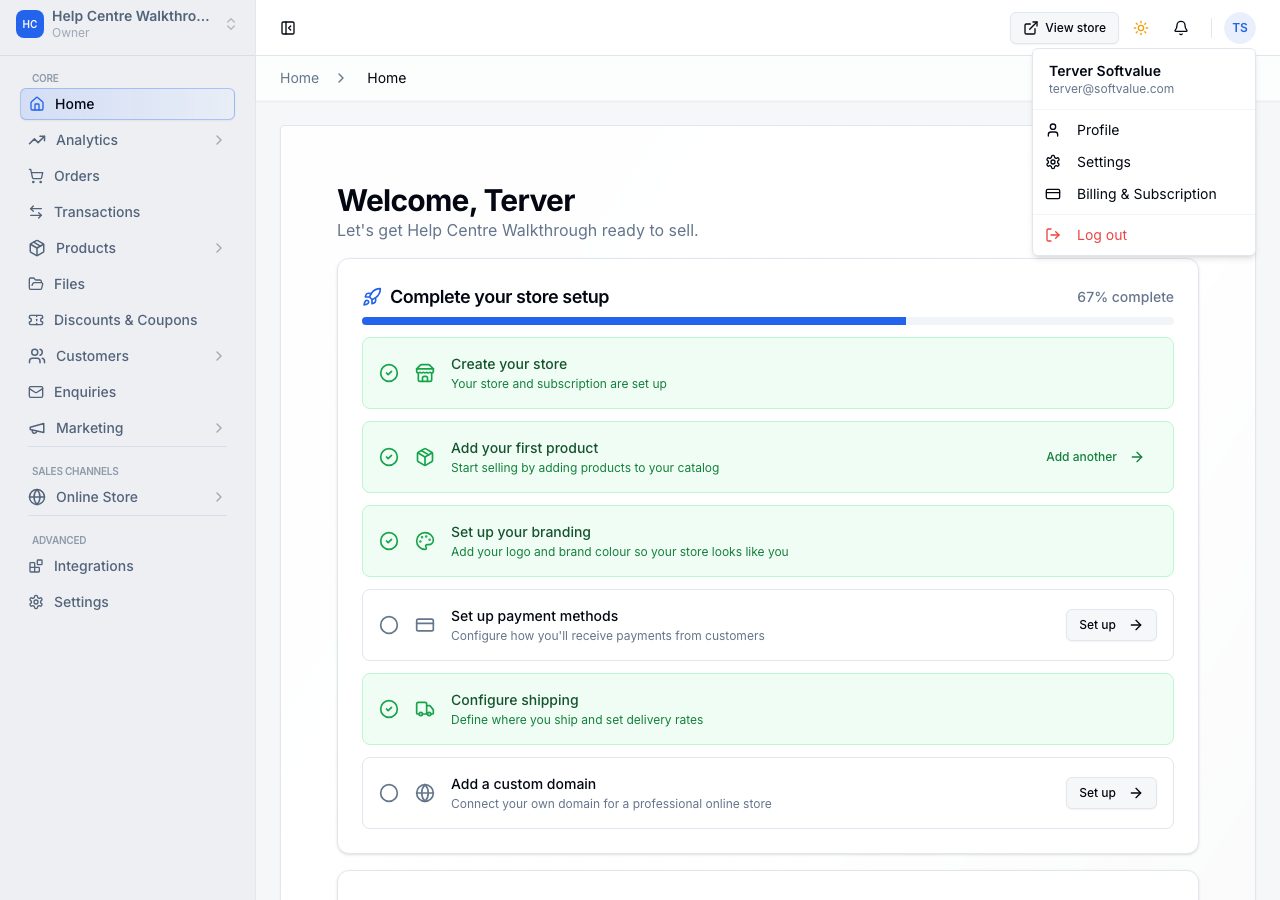
Your initials and name at the top right open the account menu: Your account (your details, password and devices; see Your account, password and two-step verification), Switch account, Settings for the store you are in, and Sign out.
Switch accounts
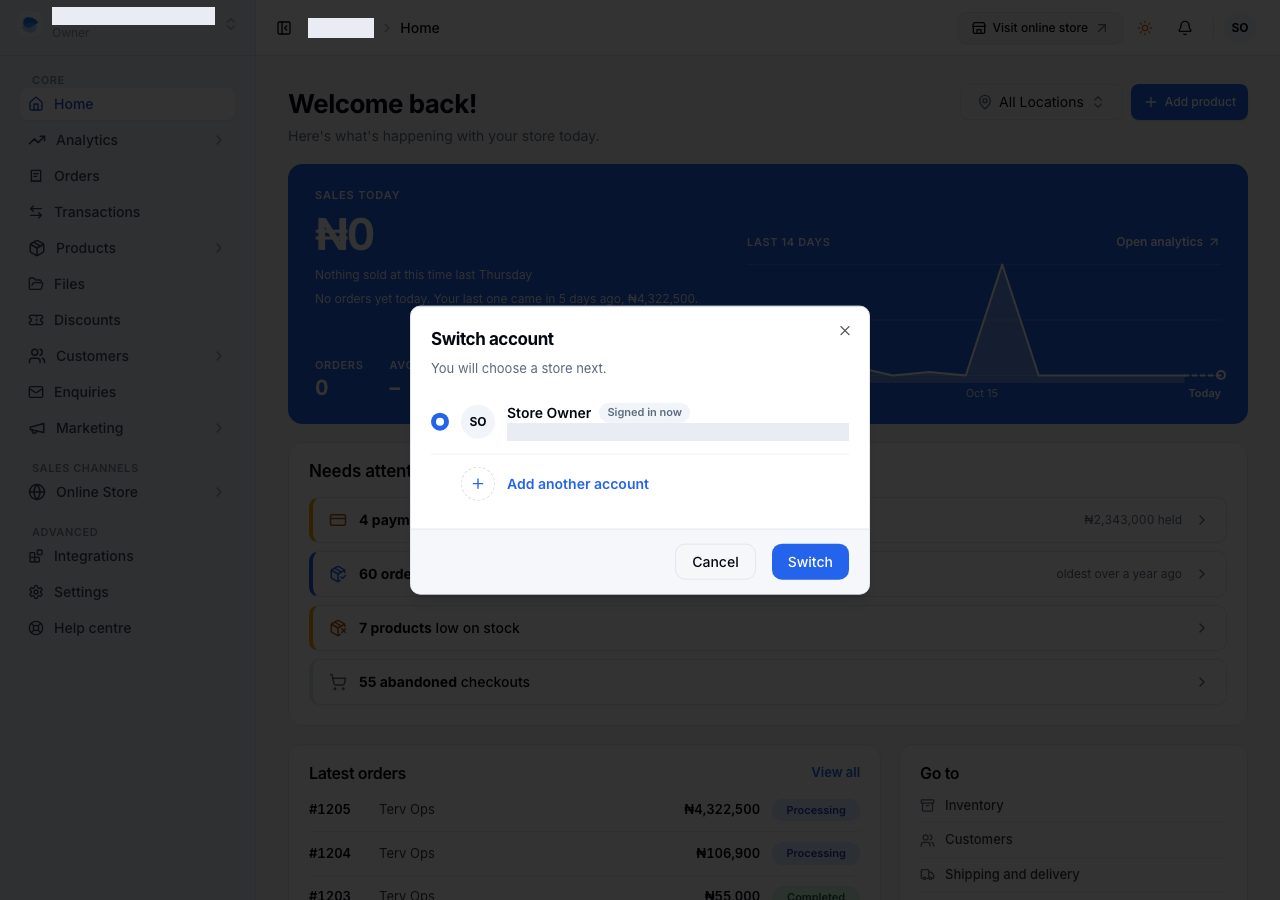
One browser can stay signed in to several accounts, for example yours and a store you help with under another address. Switch account lists the accounts signed in on this browser, with the one in use marked Signed in now; choose another and Switch, and you choose a store next. Add another account signs in to one more.
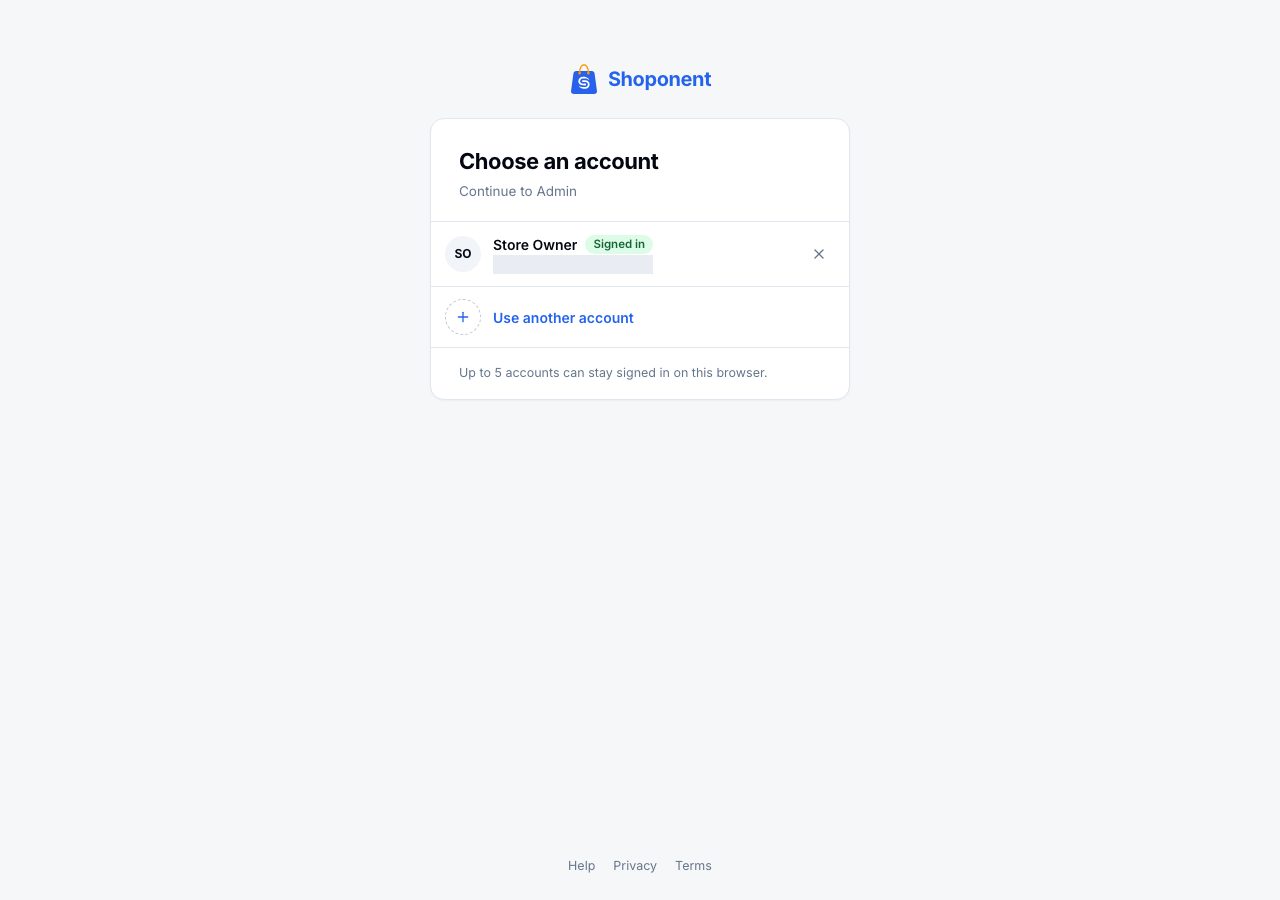
When you open Shoponent with more than one account signed in, Choose an account asks which to continue with, and Use another account signs in to a new one. Up to five accounts can stay signed in on one browser. Sign out in the account menu signs out the account you are using; the others stay.
If it does not work
- A store is missing: you are signed in with a different account from the one that owns it, or works in it. Switch accounts, or ask the owner to add this account to the store under Settings → Users.
- You were signed out everywhere: your password was changed, or someone used Sign out of other devices in Your account. Sign in again, and change the password if it was not you.
- The wrong store opens: the last store you used is remembered per browser. Choose the right one in the switcher.
Email support@shoponent.com with the account email and the store name if anything here does not match what you see. We read and answer every message.