Available on every plan · Updated 22 October 2026
Also asked as: “change my store address” · “what is my store link” · “store subdomain” · “my shop link” · “slug already taken” · “old link stopped working”
Your store has a free Shoponent domain from the moment you name it: a name you choose followed by our domain, such as adascloset.myshoponent.com. It is the link you can send to anybody today, and nothing has to be bought or connected for it to work.
It is yours for as long as the store exists. Connecting a domain you own does not take it away: your Shoponent domain keeps working alongside it.
It is not your business's street address. That is under Settings → General.
Where to find it
Go to Settings → Domains. Shoponent domain is the first card: your address, which always works, with or without a custom domain. Custom domain below it connects a domain you own. When you created the store, the same address was the Store URL.
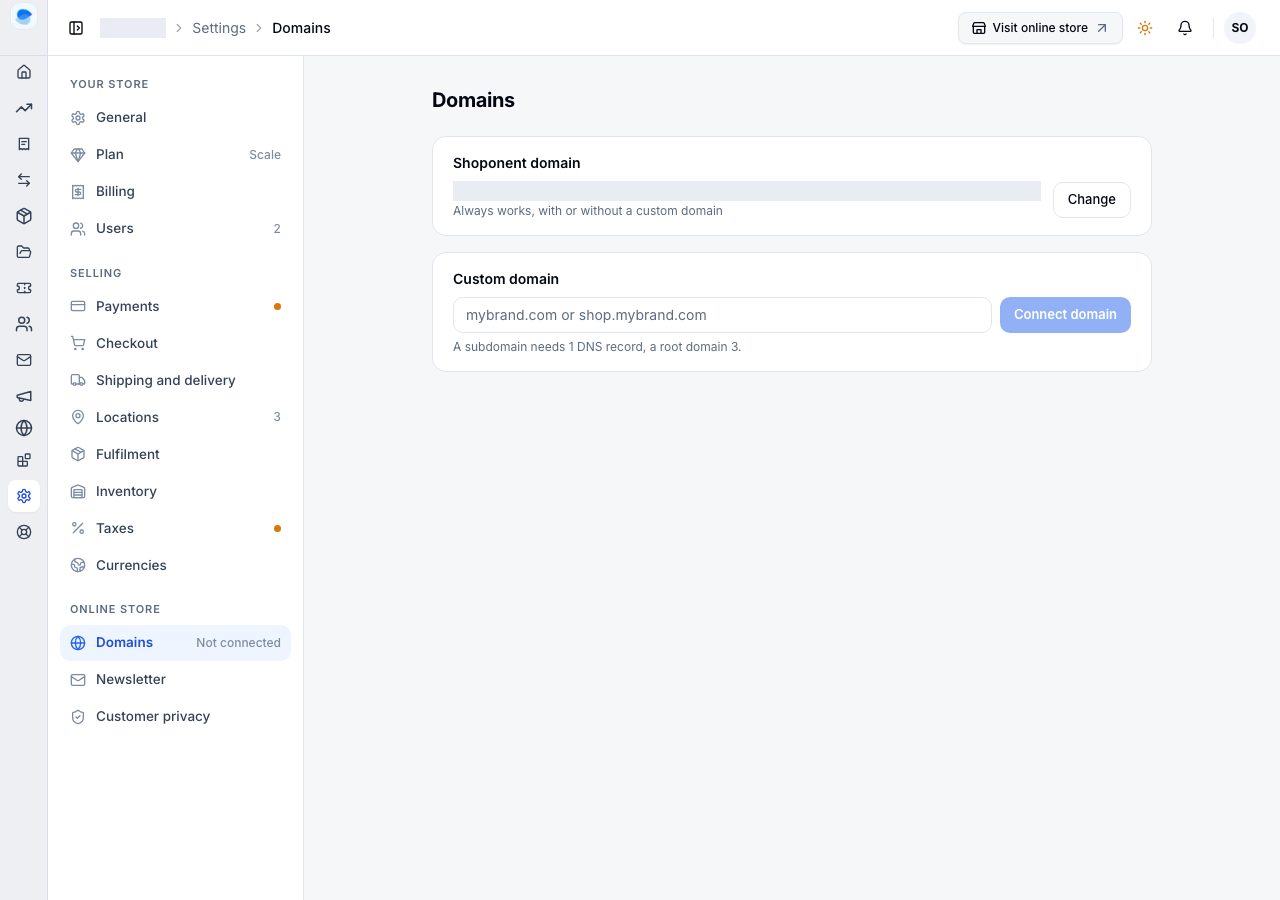
Visit online store in the top bar opens it, which is the quickest way to see what a customer sees.
Changing it
Choose Change. Change your Shoponent address asks for the new Address: only the part you choose is editable; the rest of the domain is ours. It is checked as you type, and says when the address is free. A handful of names are kept back by us; those are refused with a line saying so. Choose Change address, and the new address works at once.
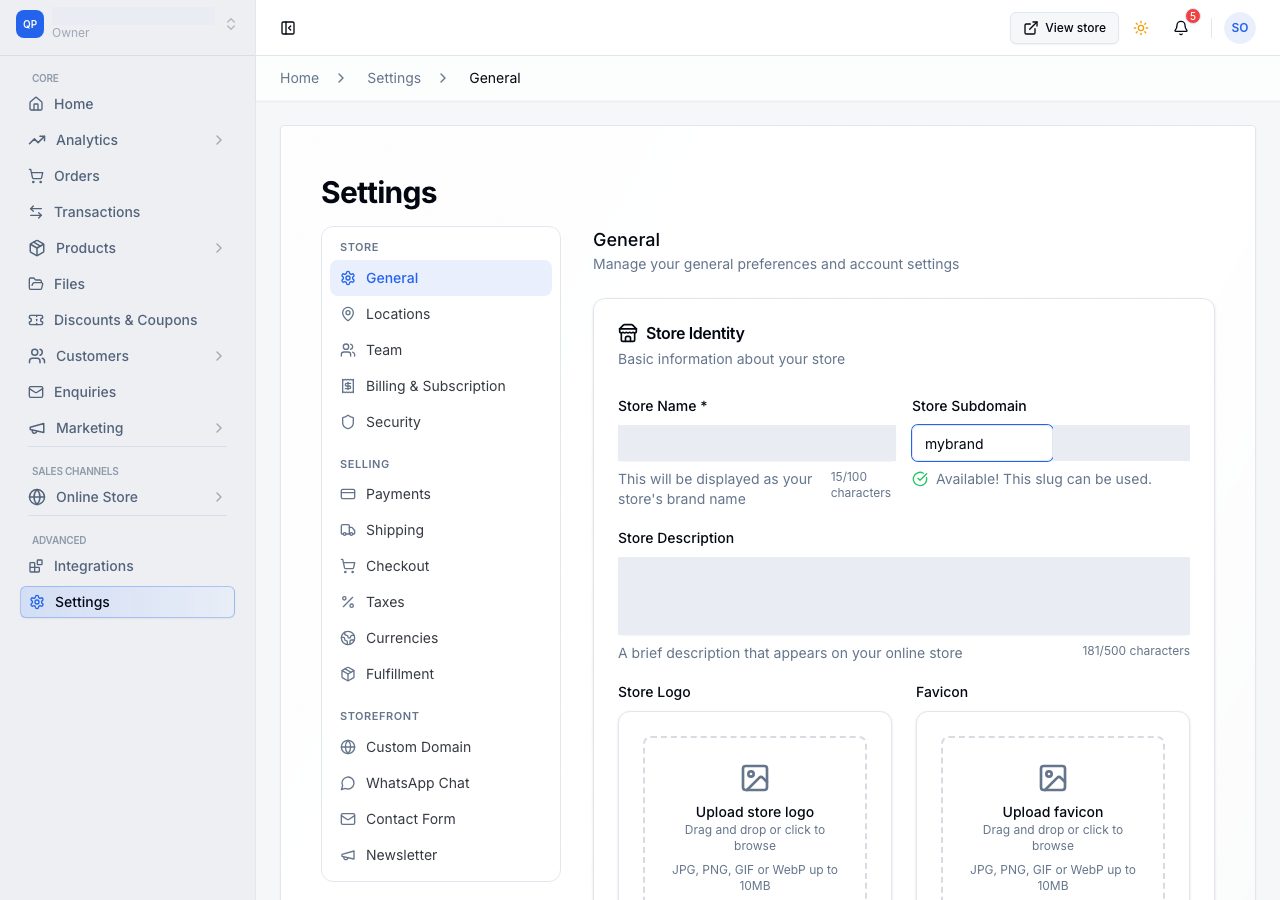
What a change costs you
The old domain stops working immediately. There is no redirect from it. Anything pointing at the old one breaks, and that is usually more than you think:
- links you have posted on social media, in adverts or in a WhatsApp status
- anyone's bookmark
- the link in older order emails
- any QR code you have printed
So change it while you are small, or not at all. If the reason for changing is that you have outgrown the name, connect a domain you own instead: then the domain a customer sees is yours, and it never has to change again.
Your domain and your store name are different things
The store name is your brand, shown to customers, and you can change it under Settings → General whenever you like with no consequence to any link. Changing the name does not change the domain.
If it does not work
- The address is not free: another store has it, or it is kept for Shoponent. There is one of each across the whole platform, first come.
- The field will not accept what you typed: use lower-case letters, numbers and hyphens, from 3 to 63 of them.
- A customer says your old link is broken: it is. Send them the new one; there is no forwarding.
- You want your own domain instead: see Connect a subdomain or Connect a root domain.
- The shop says it is unavailable: that is your subscription rather than your domain. Check your billing.
Email support@shoponent.com with your store name if anything here does not match what you see. We read and answer every message.