Available on every plan · Updated 30 October 2026
Also asked as: “connect my own domain” · “shop.mybrand.com” · “one dns record” · “cname for my store” · “domain says pending”
A subdomain is a name in front of a domain you already own: shop.yourbrand.com, store.yourbrand.com. It is the easiest thing to connect here, because it takes one DNS record and nothing else. If you want the bare domain itself, read Connect a root domain instead; that one takes three.
Connecting your own domain is available on every plan, as long as your subscription is active. Your Shoponent domain keeps working throughout.
Before you start
You need to be able to edit DNS records for the domain: at the registrar you bought it from, or wherever its DNS is managed now. Open that panel in another tab before you begin, because the values are easier to copy across than to remember.
You do not have to move the domain to us. We never take over your DNS, never ask for your nameservers and never hold your zone. Your existing website on the bare domain is untouched by a subdomain: the record only affects the name you connect.
1. Add the domain
Go to Settings → Domains. Your Shoponent domain sits at the top and always keeps working; your own goes in the Custom domain box under it.
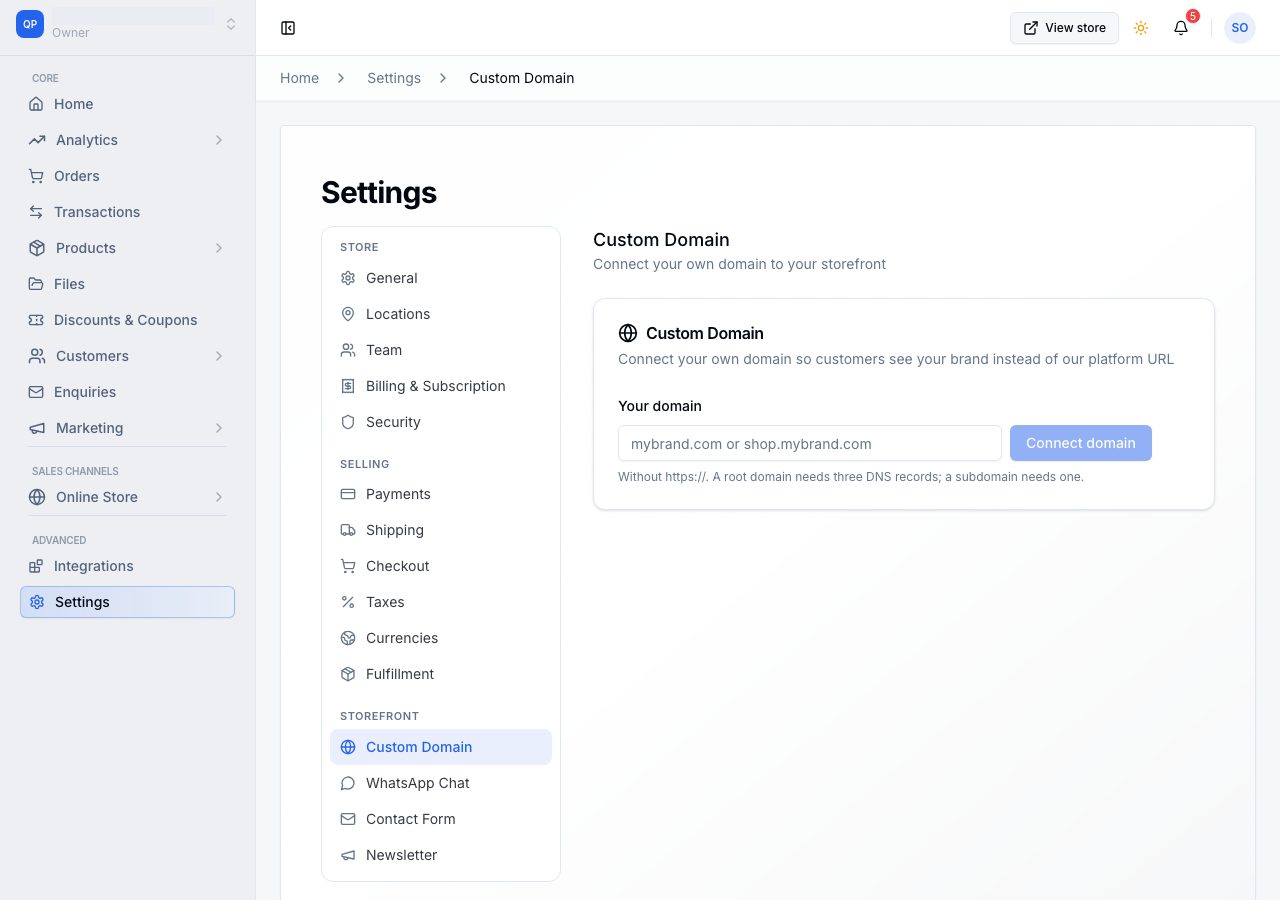
Type the subdomain into the Custom domain box, without https://.
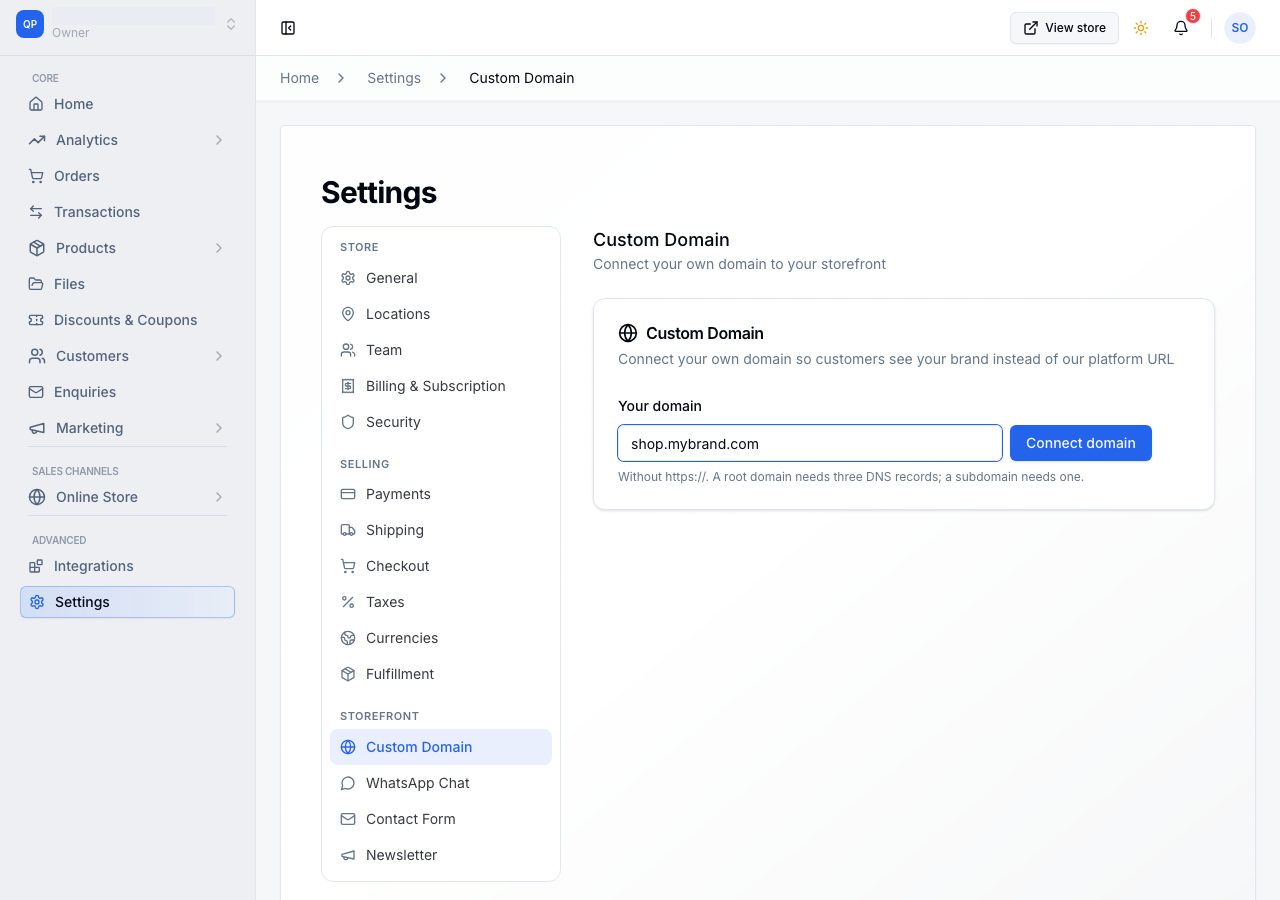
Choose Connect domain. The page changes to show your domain, a status, and the record to add. It keeps that shape for the life of the connection: the same header, the same table, the same help. Only the status and the row's own state move.
2. Add the record at your domain provider
You get one row, with Type, Host, Value and Status.
| Type | Host | Value |
|---|---|---|
| CNAME | the part in front, for example shop |
the address shown in the Value column |
Copy the value from the page rather than typing it: there is a copy button on the row, and a mistyped value is the commonest reason a connection sits still.
Two things that trip people up at their provider:
- The Host field is relative to your domain. For
shop.yourbrand.comyou typeshop, not the whole thing. Some providers call this field Name or Subdomain. - If your provider has a proxy switch (Cloudflare's orange cloud), turn it off for this record, so traffic reaches us directly.
That one record does both jobs: it routes visitors to your store and it proves the domain is yours. There is nothing else to add and no ownership record to keep separately.
3. Wait
The status reads Pending while we look, and the row shows its own state as Not found, then Verified. DNS changes usually appear within minutes and can take up to 24 hours. Check now looks immediately; otherwise we keep checking on our own and you can close the page.
Once the record is right, the status becomes Issuing SSL. That takes a few minutes and needs nothing from you. What each row's state means is on What each record status means.
4. Live
The status reads Live and the page says Connected and serving. HTTPS is on, the certificate is ours to issue and it renews itself: there is no record you have to keep alive for renewal, and nothing expires on you in a year.
Leave the record in place. Removing it takes your store offline on that domain, and we check daily and tell you if it disappears. Your Shoponent domain keeps serving in the meantime.
Removing it
Open the menu (the three dots) beside the status and choose Disconnect, followed by your domain's name. While the domain is live you confirm by typing it, because there is real traffic to lose. Your store goes back to its Shoponent domain at once, and the record at your provider is yours to delete.
If it does not work
- This domain is already connected to another store: a domain serves one store. Disconnect it there first.
- The row reads Incorrect: the value at your provider is not the one we gave. Replace it rather than adding a second record with the same name.
- The row still reads Not found after an hour: check you entered only the label in the Host field, and that you saved the record. We stop checking after three days and tell you; Start again gives you a fresh attempt.
- Your online store works for other people but not for you: your own computer and browser each remember where the name used to point, separately. Try a private window first; if it works there, your setup is right and only your normal browser is behind.
- The page says Your subscription is not active: connecting a domain is on every plan, so this is about paying, not about your plan. Go to Billing on that card takes you to renew.
Email support@shoponent.com with the domain and a screenshot of your provider's records if anything here does not match what you see. We read and answer every message.